



Pooja Verma
Dynamic professional specializing in UI/UX marketing, with a keen eye for design and a passion for creating engaging user experiences. Brings a unique blend of creativity and strategic thinking to the table, ensuring that every project not only looks great but also delivers an exceptional user journey. Dedicated to driving brand success through innovative design solutions and user-centric marketing strategies.
- All
- HubSpot
- 2025
- Figma
- UI/UX
- 2024
- Web Development
- CSS
- UI Design
- Design System
- Learn HTML
- HubSpot CRM
- HubSpot Tutorial
- Components
- Frontend Development
- UI UX Tools
- Auto Layout
- Figma Prototype
- HTML Forms
- HubSpot CMS
- Tool & Tips
- WordPress vs HubSpot
- Audio in HTML
- Business Growth
- CMS Comparison
- Component Library
- Constraints
- HTML Multimedia
- Prototyping
- Responsive Design
- Videos in HTML
- Website Optimisation
- 2026
- 2FA
- Alignment
- Anchors in HTML
- B2B marketing
- Behance
- CMS Migration
- CSS Selectors
- CSS Specificity
- Checkboxes
- Design Basics
- Design Collaboration
- Design Interactions
- Developer Collaboration
- Dribbble
- Dropdowns
- External CSS
- Figma Collaboration
- Figma Interactive Components
- Figma Plugins
- Figma Portfolio
- Figma Smart Animate
- Figma Theming
- Figma Variables
- Form Validation
- Grouping
- HTML Div
- HTML Head
- HTML Layout
- HTML Links
- HTML Lists
- HTML Span
- HTML Structure
- HTML Tables
- HTML iFrame
- HubSpot agency
- HubSpot implementation
- Illustrator
- Images in HTML
- Inline CSS
- Input Fields
- Internal CSS
- Layout Grids
- Learn CSS
- Light Dark Mode
- Link Screens
- Marketing Leaders
- Nested Auto Layout
- Nested Lists
- Ordered Lists
- Product Design
- Reusable Components
- RevOps
- Semantic HTML
- Smart Animate
- Spacing
- Team Collaboration
- Text Styles
- Typography
- UI Animation
- UI UX Optimization
- Unordered Lists
- Variants
- Website Optimization
- WordPress Alternatives
- contenhub
- sales pipeline
- seo
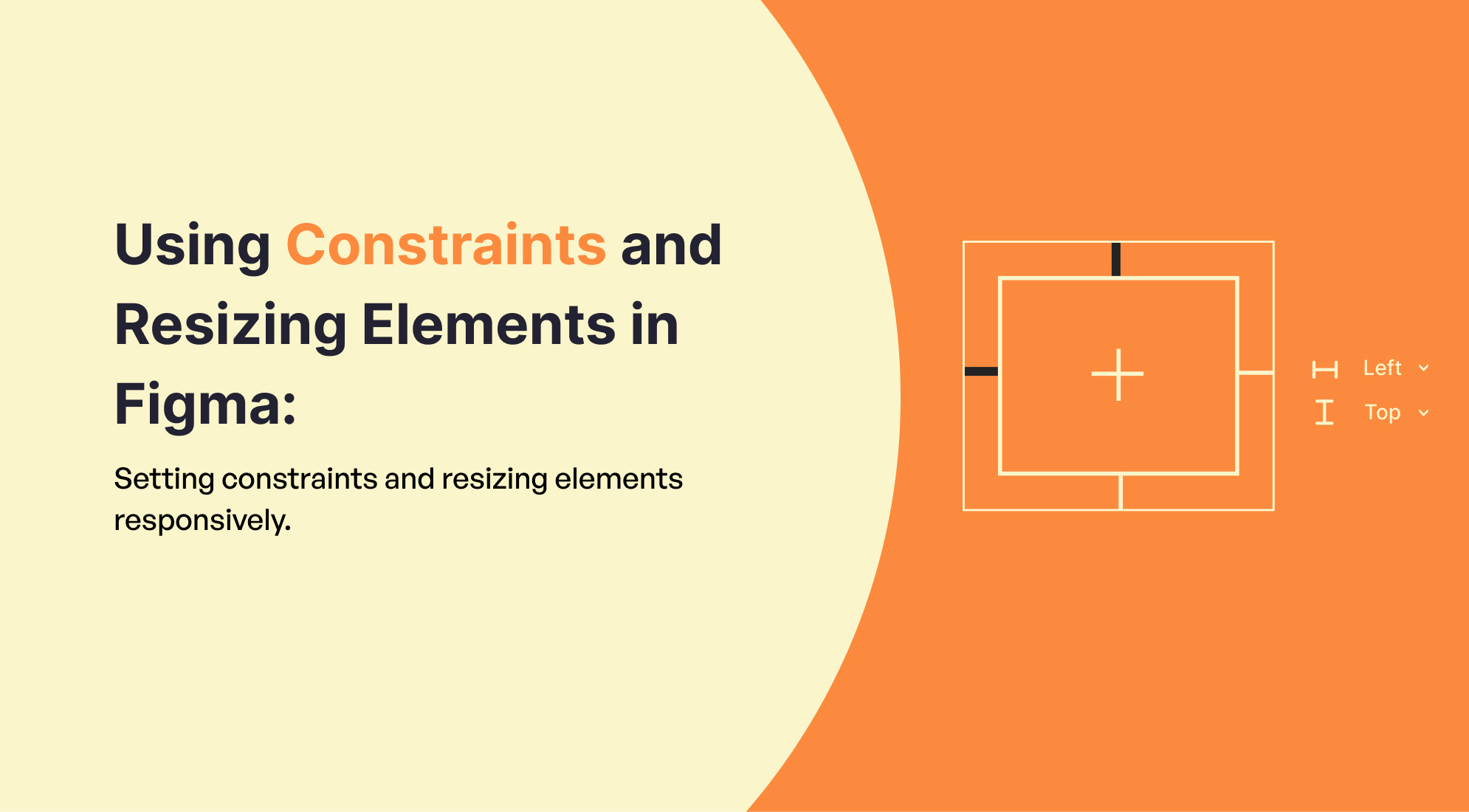
Using Constraints and Resizing Elements in Figma: Setting constraints and resizing elements responsively.
In Figma, constraints and resizing are essential for making designs adaptable to ...

Introduction to Auto Layout in Figma: Basics of auto layout and creating responsive designs.
Auto Layout in Figma is a powerful feature that allows you to create responsive and ...

Getting Started with Components and Instances in Figma
Components and instances are fundamental concepts in Figma that help you create reusable ...
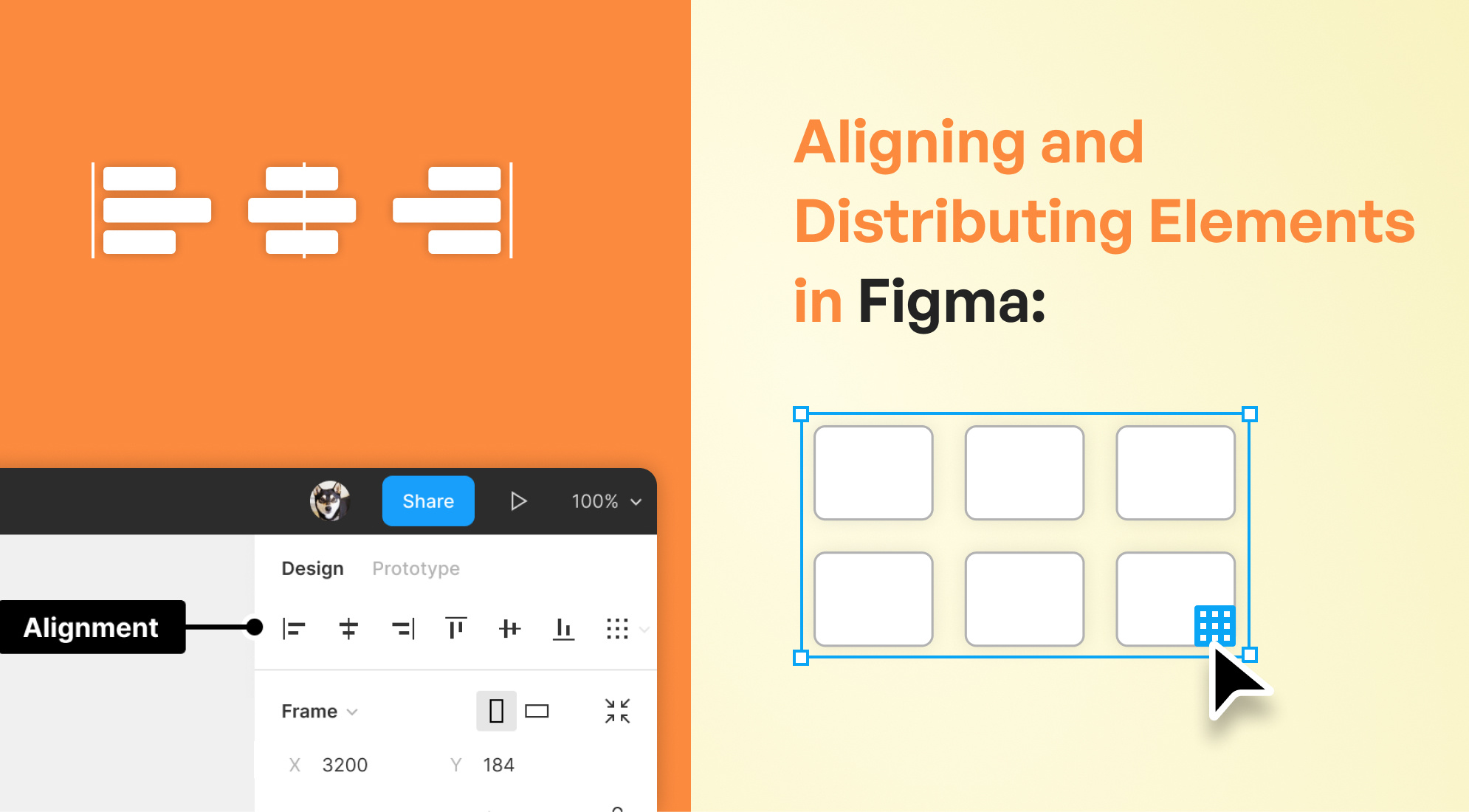
Aligning and Distributing Elements in Figma
Aligning and distributing elements in Figma is essential for creating well-organized and ...
Organizing Your Design: Layers and Groups in Figma
Designing with Figma can be a transformative experience, especially when you harness the ...
Using Colors and Styles in Figma
Tips for Beginners: How to use color palettes and create/apply styles in Figma. Using ...

