



Pawan Swami
UI/UX Designer and Marketing Specialist who combines creative design and strategy to craft engaging, conversion-driven user experiences. Passionate about clean, human-centered interfaces that deliver real results.
- All
- HubSpot
- 2025
- Figma
- UI/UX
- 2024
- Web Development
- CSS
- UI Design
- Design System
- Learn HTML
- HubSpot CRM
- HubSpot Tutorial
- Components
- Frontend Development
- UI UX Tools
- Auto Layout
- Figma Prototype
- HTML Forms
- HubSpot CMS
- Tool & Tips
- WordPress vs HubSpot
- Audio in HTML
- Business Growth
- CMS Comparison
- Component Library
- Constraints
- HTML Multimedia
- Prototyping
- Responsive Design
- Videos in HTML
- Website Optimisation
- 2026
- 2FA
- Alignment
- Anchors in HTML
- B2B marketing
- Behance
- CMS Migration
- CSS Selectors
- CSS Specificity
- Checkboxes
- Design Basics
- Design Collaboration
- Design Interactions
- Developer Collaboration
- Dribbble
- Dropdowns
- External CSS
- Figma Collaboration
- Figma Interactive Components
- Figma Plugins
- Figma Portfolio
- Figma Smart Animate
- Figma Theming
- Figma Variables
- Form Validation
- Grouping
- HTML Div
- HTML Head
- HTML Layout
- HTML Links
- HTML Lists
- HTML Span
- HTML Structure
- HTML Tables
- HTML iFrame
- HubSpot agency
- HubSpot implementation
- Illustrator
- Images in HTML
- Inline CSS
- Input Fields
- Internal CSS
- Layout Grids
- Learn CSS
- Light Dark Mode
- Link Screens
- Marketing Leaders
- Nested Auto Layout
- Nested Lists
- Ordered Lists
- Product Design
- Reusable Components
- RevOps
- Semantic HTML
- Smart Animate
- Spacing
- Team Collaboration
- Text Styles
- Typography
- UI Animation
- UI UX Optimization
- Unordered Lists
- Variants
- Website Optimization
- WordPress Alternatives
- contenhub
- sales pipeline
- seo

Figma Smart Animate & Transitions: Create Smooth UI Motion
Smooth motion makes prototypes feel real.

Figma Interactive Components: Build Buttons, Toggles & Menus
Build buttons, toggles, menus with click interactions.
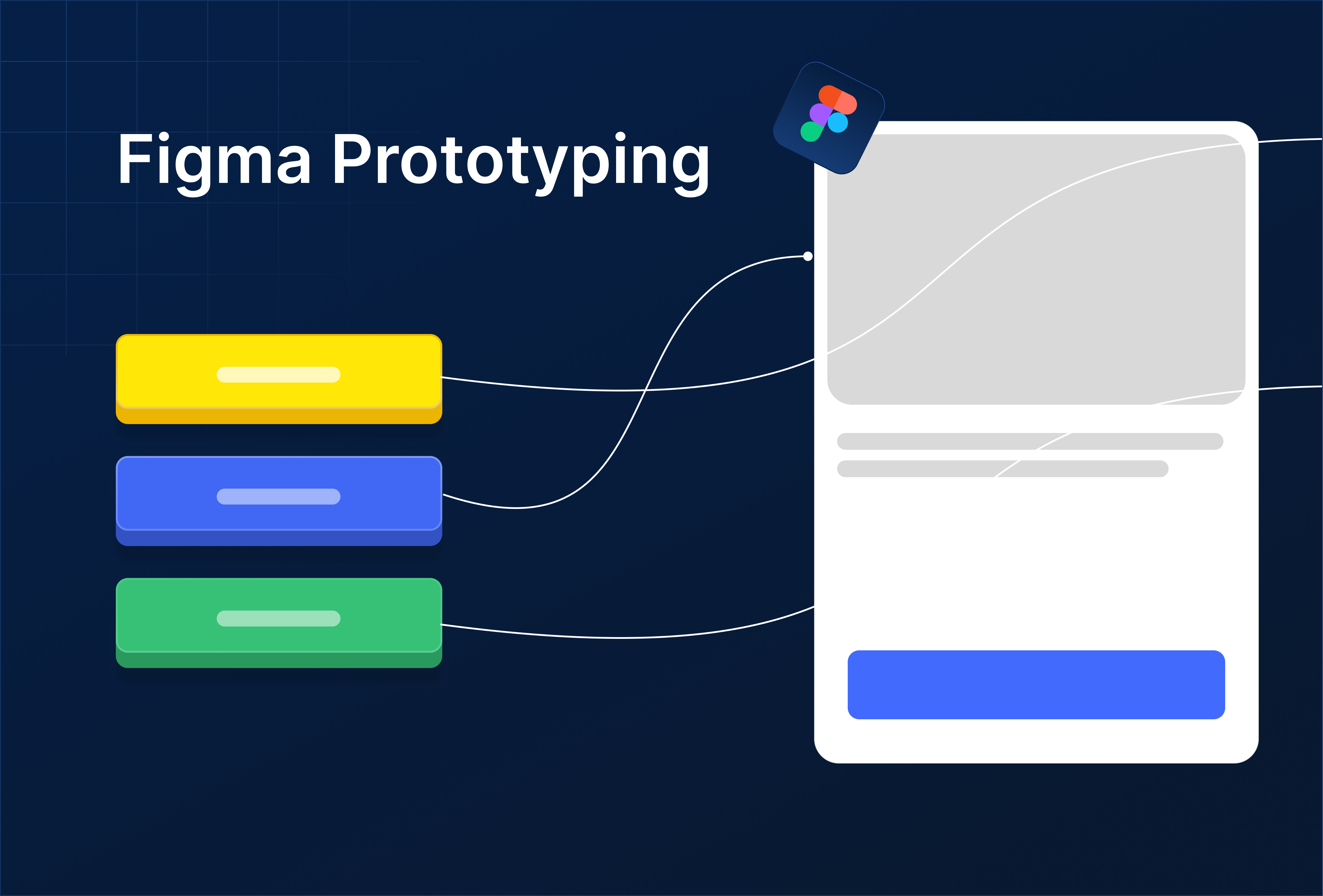
Figma Prototyping: How to Link Screens for Interactive Navigation
Create navigation between screens.
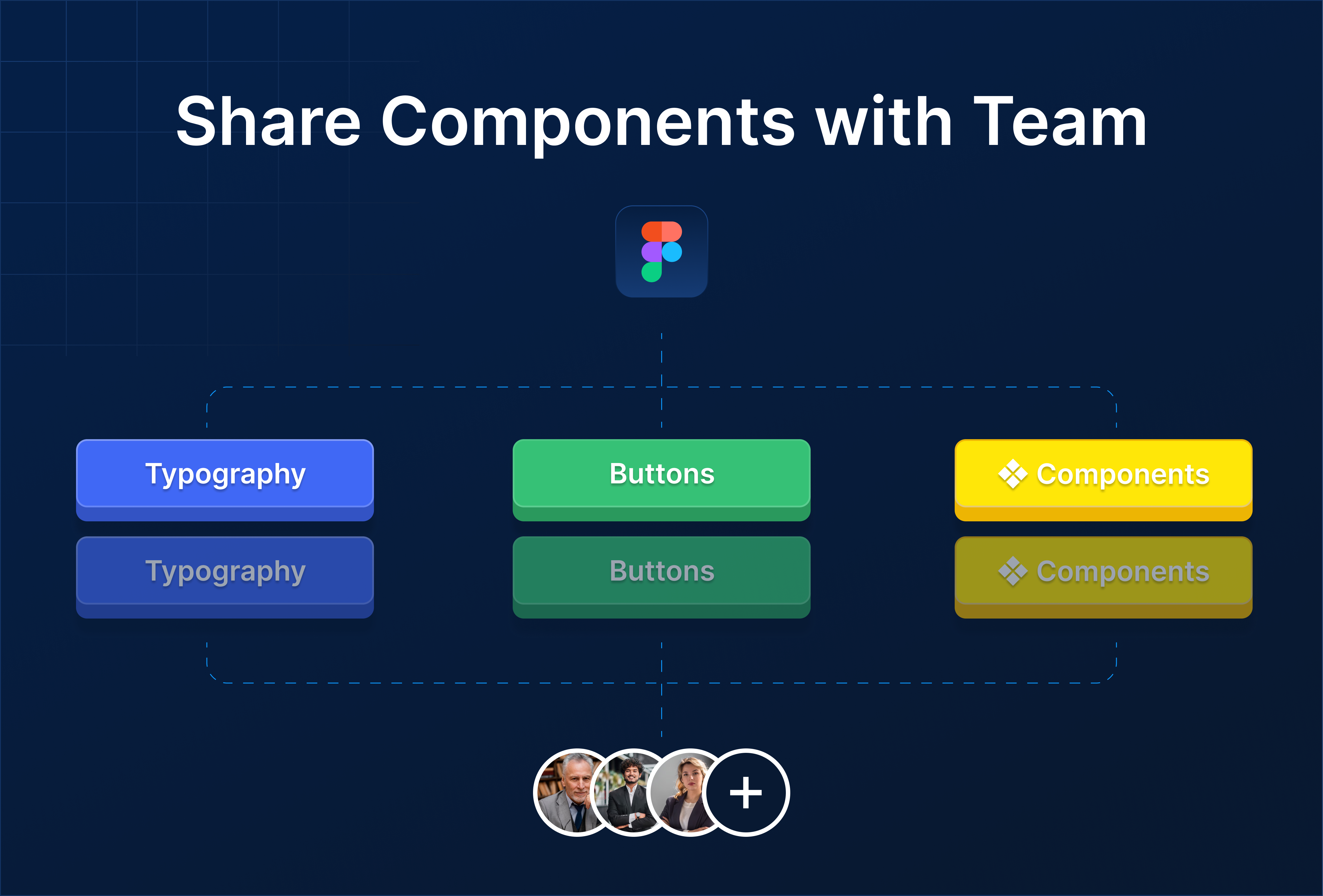
Figma Component Library: Publish & Share Components with Team
1. Why a Component Library Matters A component library allows your team to:

Design System Basics in Figma: Keep Your UI Consistent
Design systems keep your UI consistent.
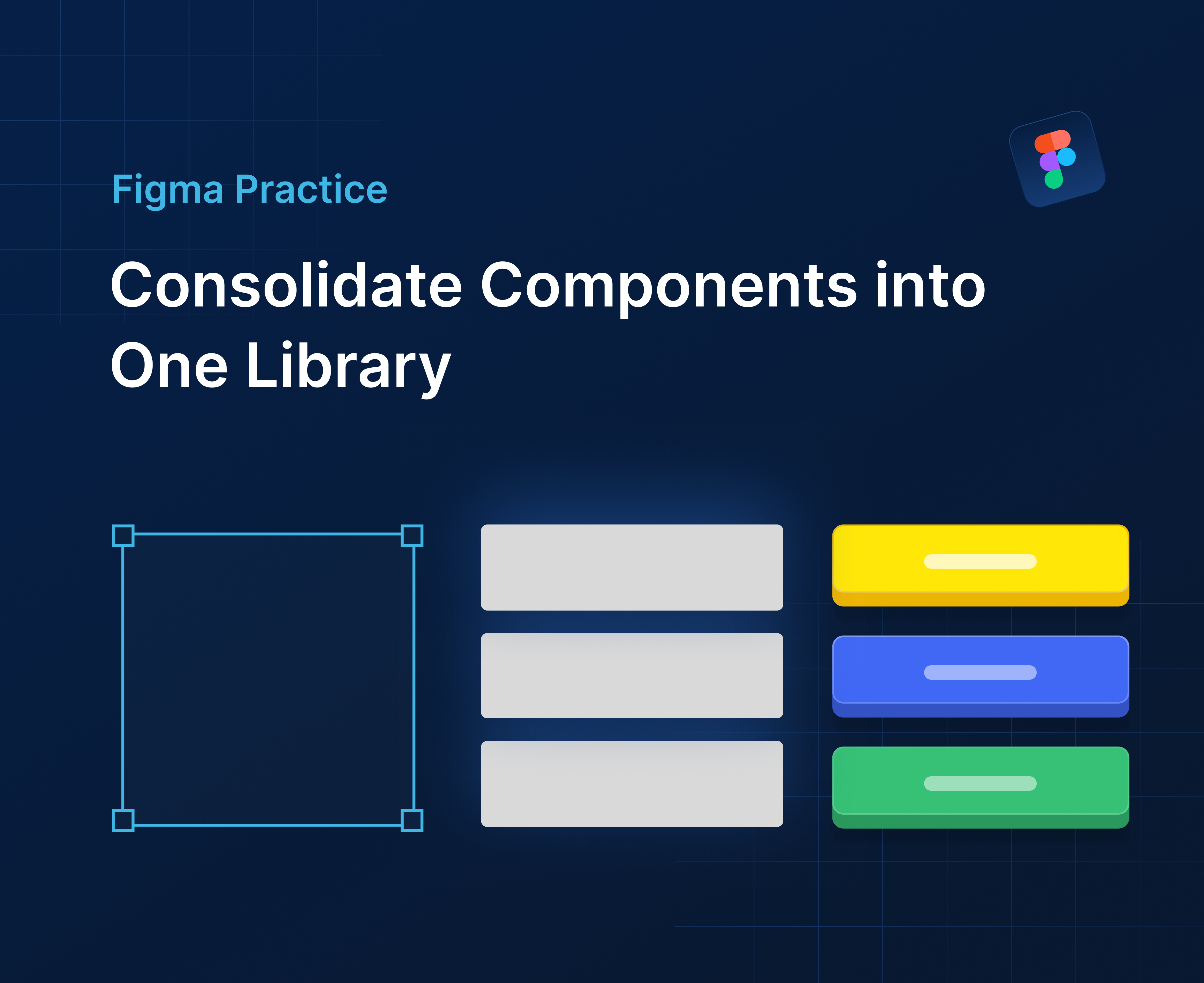
Figma Practice: Consolidate Components in One Library for Scalable UI
Bring all components, variants, and styles together for a scalable Figma design system.

