


Blog

Listen to the Blog
Start your journey in web development by learning the building blocks of every website.
What is HTML?
HTML (HyperText Markup Language) is the standard language for creating web pages.
It defines the structure and content of a web page.
- Elements: Building blocks of HTML
- Tags: Wrap content to give meaning, e.g., <p> for paragraphs
- Attributes: Provide extra information about elements, e.g., id, class, src
Basic HTML Structure
Every HTML page follows a basic template:
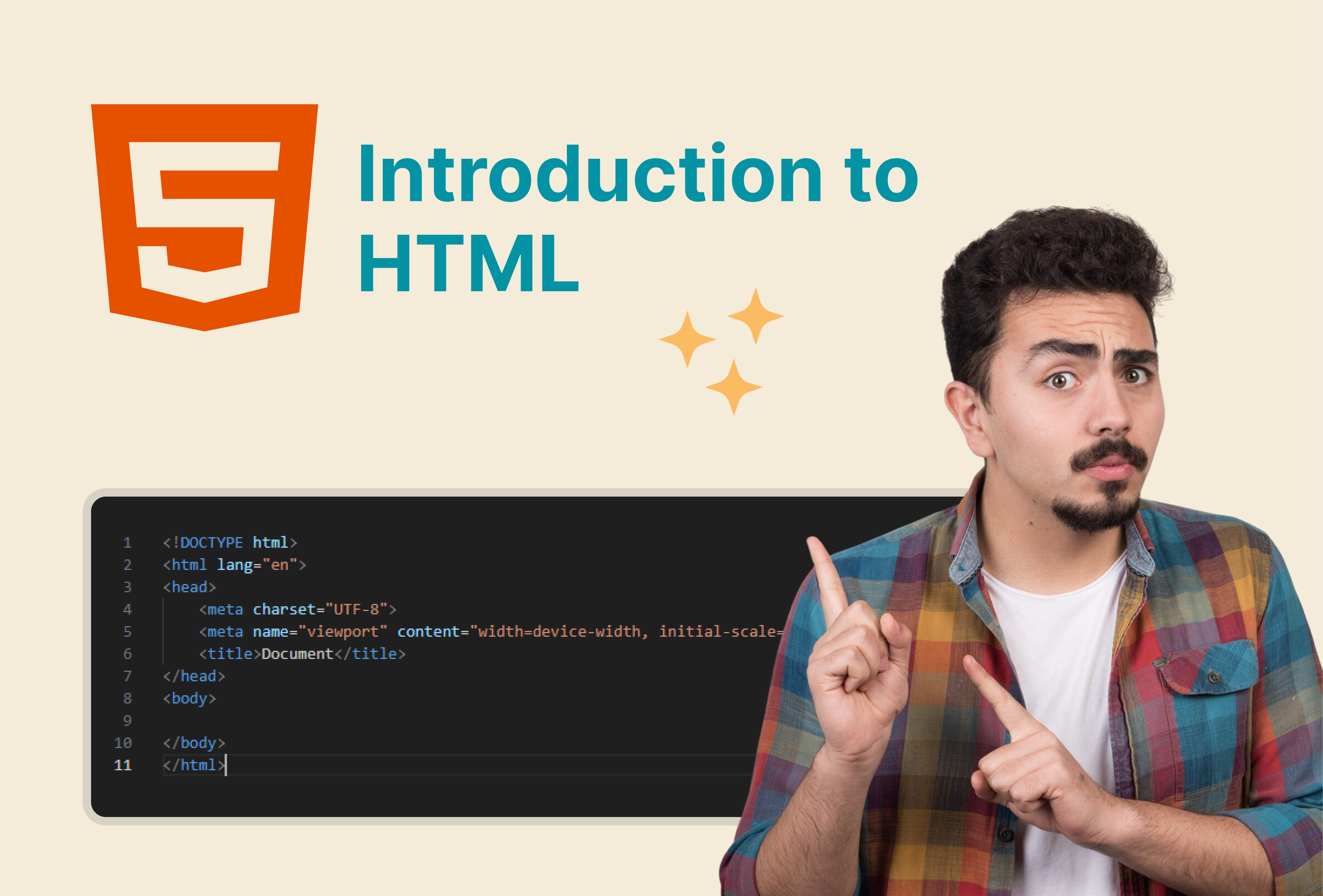
<!DOCTYPE html>
<html lang="en">
<head>
    <meta charset="UTF-8">
    <meta name="viewport" content="width=device-width, initial-scale=1.0">
    <title>My First Web Page</title>
</head>
<body>
    <h1>Hello, World!</h1>
    <p>Welcome to my first HTML page.</p>
</body>
</html>
- <!DOCTYPE html> Declares HTML version
- <html> Root element
- <head> Contains meta info, title, links to CSS
- <body> Content visible on the page
Common HTML Tags
Text Elements
- Headings: <h1> to <h6>
- Paragraph: <p>
- Strong: <strong>
- Italics/Emphasis: <em>
Links
Images

Lists
- Ordered: <ol>
- Unordered: <ul>
- List Item: <li>
- Ordered List 1
- Ordered List 2
- Ordered List 3
- Ordered List 4
- Unordered List 1
- Unordered List 2
- Unordered List 3
- Unordered List 4
Best Practices for Day 1
- Always close your tags
- Indent nested elements for readability
- Use semantic tags whenever possible
- Save your file as .html and open in a browser to preview
I'm Mukesh Saini, a seasoned HubSpot CMS Developer specializing in custom templates, seamless integrations, and high-performing digital experiences. Having honed his skills over several years in the industry, i possess a deep understanding of HubSpot's capabilities.
Related Post
You may also be interested in
-
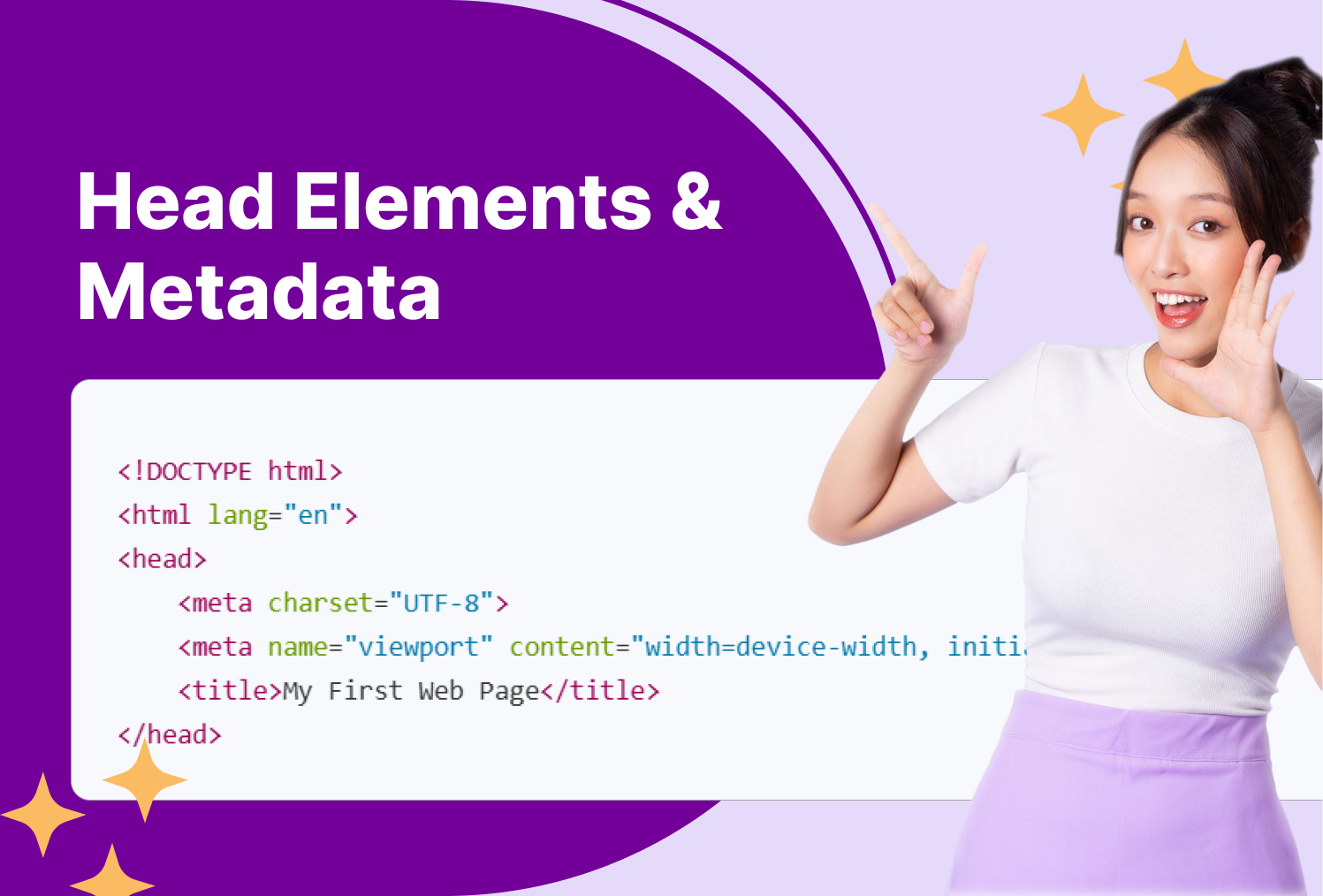
Master HTML Head Elements & Metadata
Everything you see on a page lives in the , but everything search engines and browsers ...

-
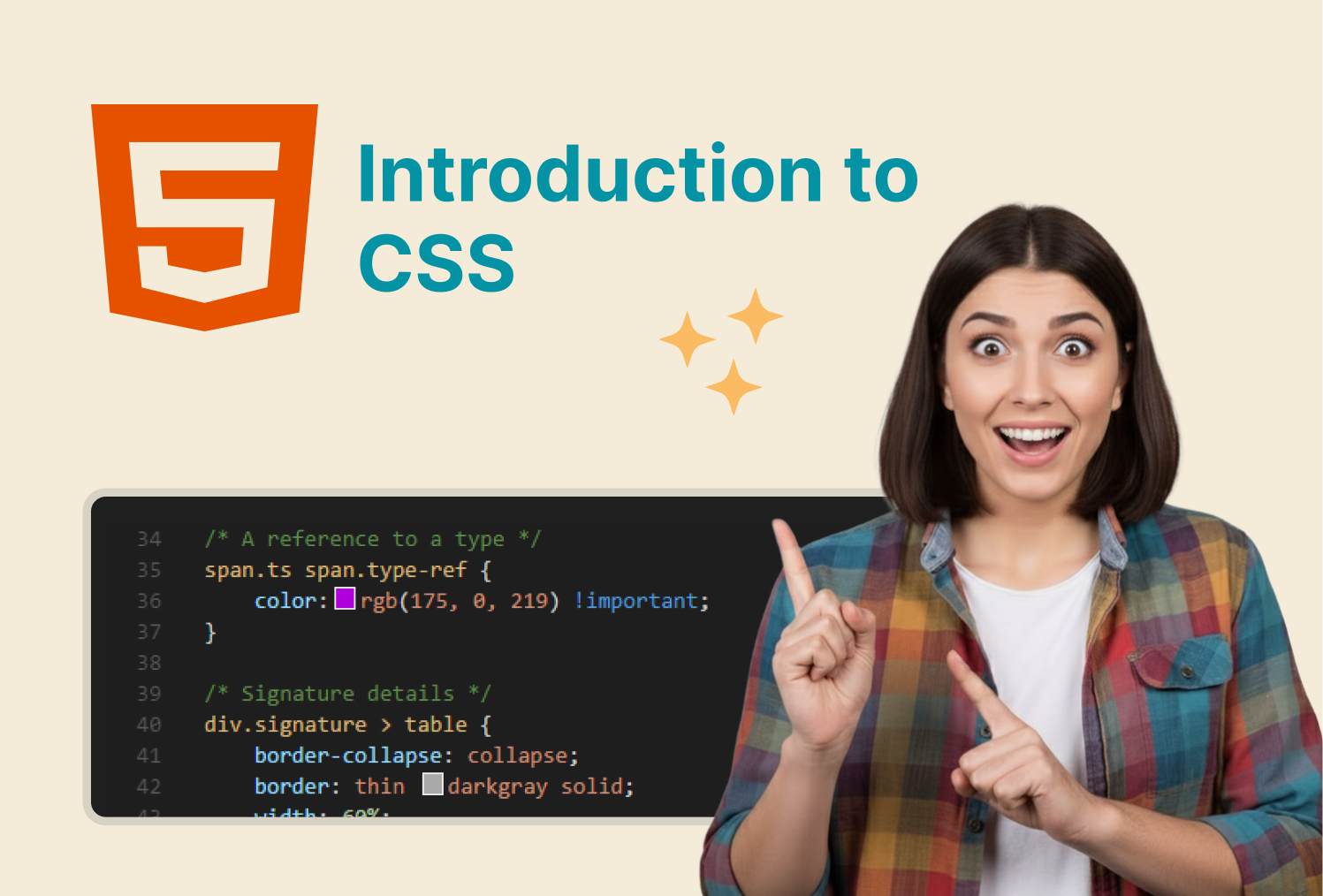
Introduction to CSS - Inline, Internal & External Styles
Style your HTML with CSS using different methods to control colors, fonts, layouts, and ...
-

Learn How to Create Ordered, Unordered, and Nested Lists in HTML
Organize content efficiently using lists in HTML for clear readability and structure.