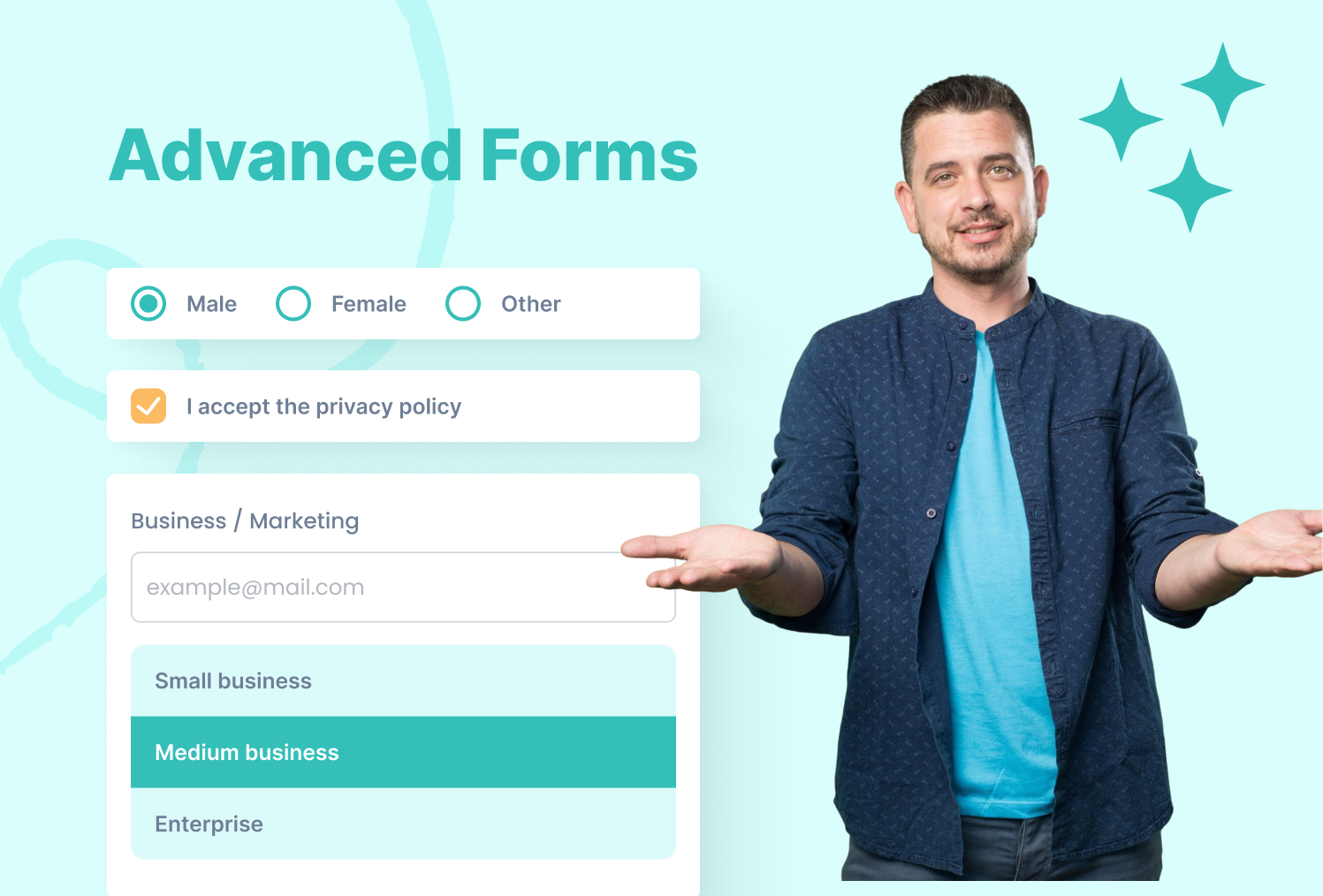

Learn How to Build Forms with Input Fields, Labels, and Buttons in HTML

image of blog Mukesh Saini

HubSpot CMS Developer

1 Minutes Read

Listen to the Blog

Learn How to Build Forms with Input Fields, Labels, and Buttons in HTML
0:40

Collect user data and create interactive web pages using HTML forms.

What is an HTML Form?

HTML forms allow users to submit data such as contact information, feedback, or search queries. Forms are built with the <from> tag and contain input elements.

Basic Form Structure

  • <from> Container for form elements
  • action URL to send form data
  • method get or post submission
  • <label> Accessible description for inputs
  • <input> Field to collect data
  • <button> Submit button

Common Input Types

Text:

Email:

Password:

Number:

Checkbox & Radio:

Subscribe Male Female

Textarea:

Buttons and Submission

Submit Button

Reset Button

I'm Mukesh Saini, a seasoned HubSpot CMS Developer specializing in custom templates, seamless integrations, and high-performing digital experiences. Having honed his skills over several years in the industry, i possess a deep understanding of HubSpot's capabilities.

HubSpot CMS Developer

Frequently Asked Questions

What’s the difference between GET and POST methods? +
The GET method appends data to the URL, making it less secure and suitable for simple requests, while the POST method sends data in the request body, making it the preferred choice for handling sensitive or confidential information.
Do I need <label> tags for inputs? +
Yes! improves accessibility and allows users to click the label to focus the field.
Can forms include images or multimedia? +
Yes! HTML forms can contain images, videos, and other HTML elements.
How do I make forms required? +
Use the required attribute in <input> or <textarea>.
cm-vector

Have a specific need or challenge in mind? Let’s discuss how we can support your goals.

Get Started Today

Ready to streamline your Hubspot CRM, website, or RevOps !