
Learn How to Use Form Validation Attributes in HTML

image of blog Mukesh Saini

HubSpot CMS Developer

1 Minutes Read

Listen to the Blog

Learn How to Use Form Validation Attributes in HTML
0:56

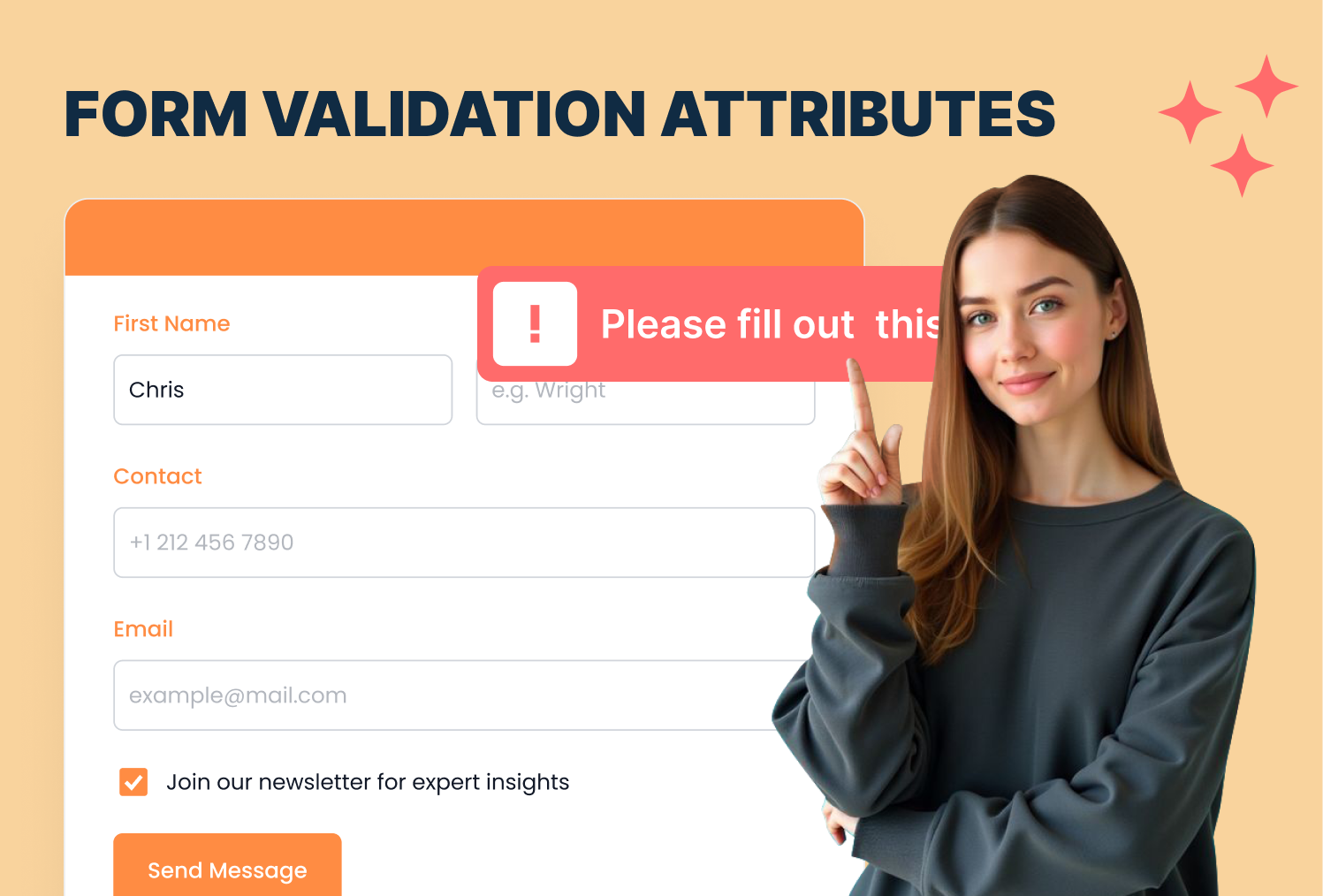
Ensure users submit correct and complete data with HTML form validation.

Why Form Validation Matters

  • Prevents incomplete or incorrect submissions
  • Improves user experience
  • Reduces errors before sending data to the server

The required Attribute

Ensures the user fills out a field before submitting

Form cannot submit if the field is empty

The minlength and maxlength Attributes

Restrict the number of characters users can enter

  • minlength Minimum number of characters
  • maxlength Maximum number of characters

The pattern Attribute

Validates input against a regular expression

Enter 10 digit phone number
  • [0-9]{10} Exactly 10 digits
  • Useful for emails, phone numbers, postal codes, etc.

Combining Validation Attributes

  • required Mandatory field
  • minlength Password minimum length
  • pattern Email format validation

I'm Mukesh Saini, a seasoned HubSpot CMS Developer specializing in custom templates, seamless integrations, and high-performing digital experiences. Having honed his skills over several years in the industry, i possess a deep understanding of HubSpot's capabilities.

HubSpot CMS Developer

Frequently Asked Questions

Does HTML validation work without JavaScript? +
Yes! HTML5 attributes provide native client-side validation.
Can I customize validation messages? +
Yes! use the title attribute or JavaScript for custom messages.
Are validation attributes supported in all browsers? +
Most modern browsers support them. Older browsers may require fallback or JavaScript validation.
Can I combine multiple patterns for one input? +
Yes! use regex with | to define multiple acceptable patterns.
cm-vector

Have a specific need or challenge in mind? Let’s discuss how we can support your goals.

Get Started Today

Ready to streamline your Hubspot CRM, website, or RevOps !