


Blog

1 Minutes Read
Listen to the Blog
Last Updated:
25-12-2025
I'm Mukesh Saini, a seasoned HubSpot CMS Developer specializing in custom templates, seamless integrations, and high-performing digital experiences. Having honed his skills over several years in the industry, i possess a deep understanding of HubSpot's capabilities.
Related Post
You may also be interested in
-
Introduction to HTML: Structure, Elements, and Tags
Start your journey in web development by learning the building blocks of every website.

-
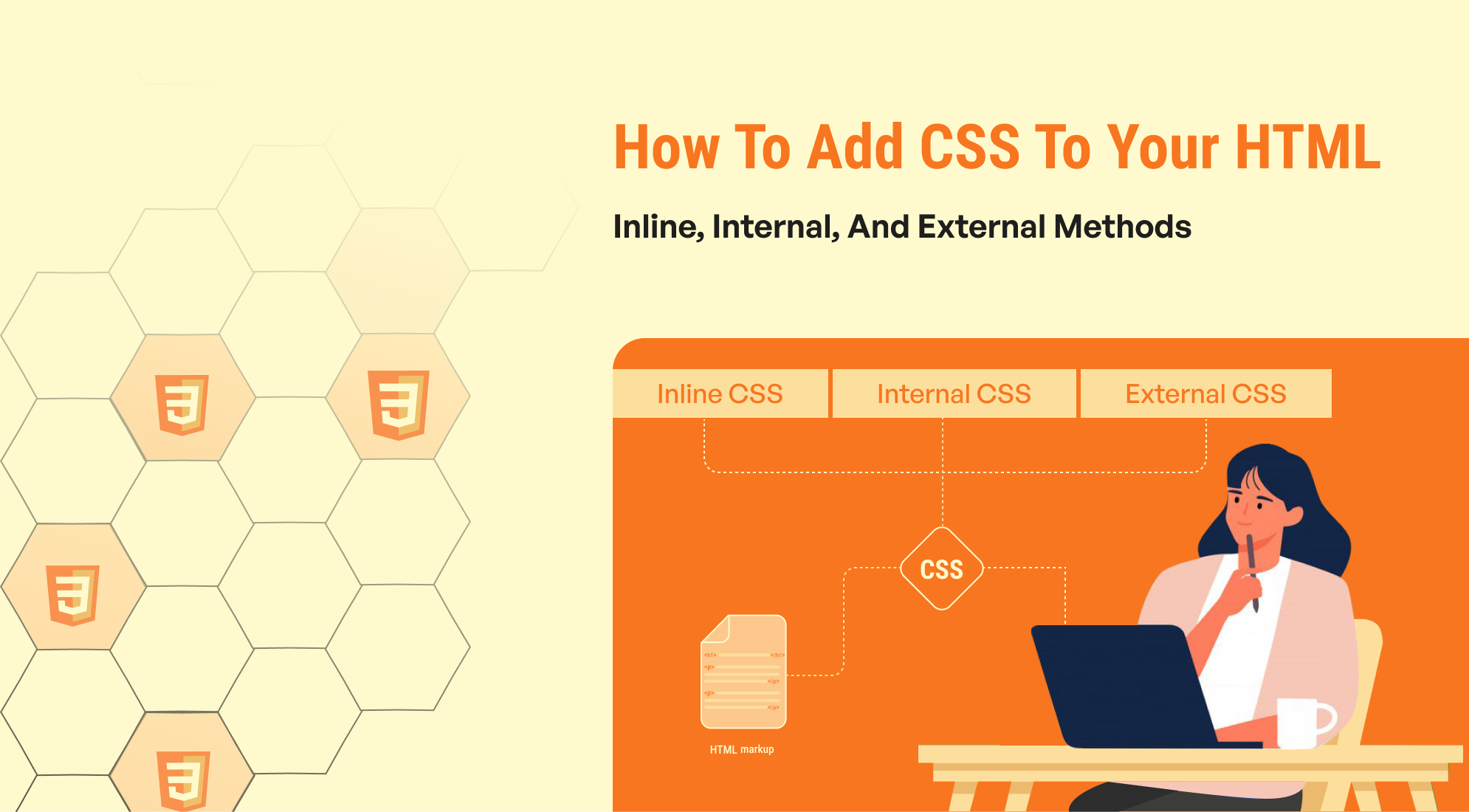
How to Add CSS to Your HTML: Inline, Internal, and External Methods
In web development, CSS (Cascading Style Sheets) is essential for defining a webpage's ...
-

Learn How to Create Ordered, Unordered, and Nested Lists in HTML
Organize content efficiently using lists in HTML for clear readability and structure.