
Master HTML Head Elements & Metadata

image of blog Mukesh Saini

HubSpot CMS Developer

1 Minutes Read

Listen to the Blog

Everything you see on a page lives in the <body>, but everything search engines and browsers care about starts in the <head>.

What Is the <head> in HTML?

The <head> element contains metadata — information about your webpage, not on your webpage.

It helps browsers, search engines, and social media platforms understand your site.

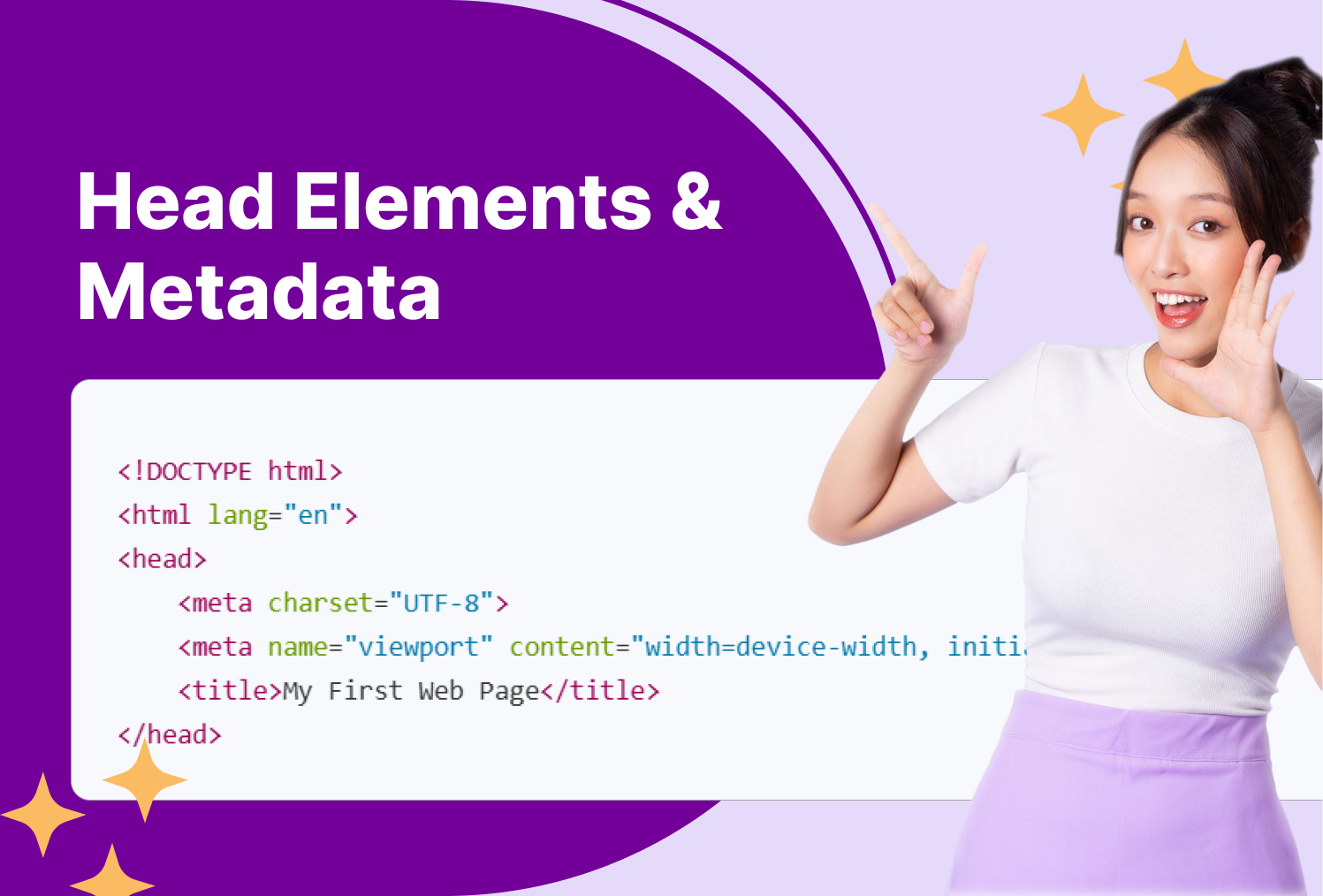
<!DOCTYPE html>
<html lang="en">
<head>
    <meta charset="UTF-8">
    <meta name="viewport" content="width=device-width, initial-scale=1.0">
    <title>My First Web Page</title>
</head>
<body>
    <h1>Hello, World!</h1>
    <p>Welcome to my first HTML page.</p>
</body>
</html>

Common <head> Elements

1. <title> – Page Title

Appears in the browser tab and search engine results.

<title>Learn HTML in 30 Days - Day 13</title>

2. <meta> Tags

Metadata includes SEO, description, keywords, and author info.

<meta name="description" content="Learn what goes inside the HTML head — titles, meta tags, and more.">
<meta name="author" content="Tech Swami">
<meta name="keywords" content="HTML, meta tags, SEO, web development">

3. Responsive Design Meta Tag

Ensures your site scales correctly on mobile devices.

<meta name="viewport" content="width=device-width, initial-scale=1.0">

4. Favicon

Small icon shown in the browser tab.

<link rel="icon" href="favicon.png" type="image/png">

5. Stylesheets and Fonts

Link CSS or external resources.

<link rel="stylesheet" href="styles.css">
<link href="https://fonts.googleapis.com/css?family=Roboto" rel="stylesheet">

6. JavaScript

Include scripts to add interactivity or analytics.

<script src="script.js" defer></script>

Social Media Meta Tags (Open Graph & Twitter Cards)

Make your pages look great when shared online.

<meta property="og:title" content="Learn HTML Head Elements">
<meta property="og:description" content="Master HTML head, meta tags, and favicons.">
<meta property="og:image" content="thumbnail.jpg">
<meta name="twitter:card" content="summary_large_image">

SEO & Accessibility Tips

  • Always include a unique <title> per page
  • Add a meta description for better SEO
  • Use language attribute (<html lang="en">)
  • Include favicons for branding
  • Load CSS before JavaScript for better performance

I'm Mukesh Saini, a seasoned HubSpot CMS Developer specializing in custom templates, seamless integrations, and high-performing digital experiences. Having honed his skills over several years in the industry, i possess a deep understanding of HubSpot's capabilities.

HubSpot CMS Developer

Frequently Asked Questions

Do I need meta keywords for SEO? +
Not anymore — search engines ignore them. Focus on meta descriptions and titles.
Why is my favicon not showing? +
Ensure the file path is correct and clear your browser cache.
Can I add multiple stylesheets or scripts? +
Yes! You can include as many <link> or <script> tags as needed.
Should CSS go in <head> or <body>? +
CSS should always be linked in the <head> for faster rendering.
cm-vector

Have a specific need or challenge in mind? Let’s discuss how we can support your goals.

Get Started Today

Ready to streamline your Hubspot CRM, website, or RevOps !