A high-converting website doesn’t just capture leads—it activates them.
Most websites collect leads. But very few nurture, qualify, and convert them in real time.
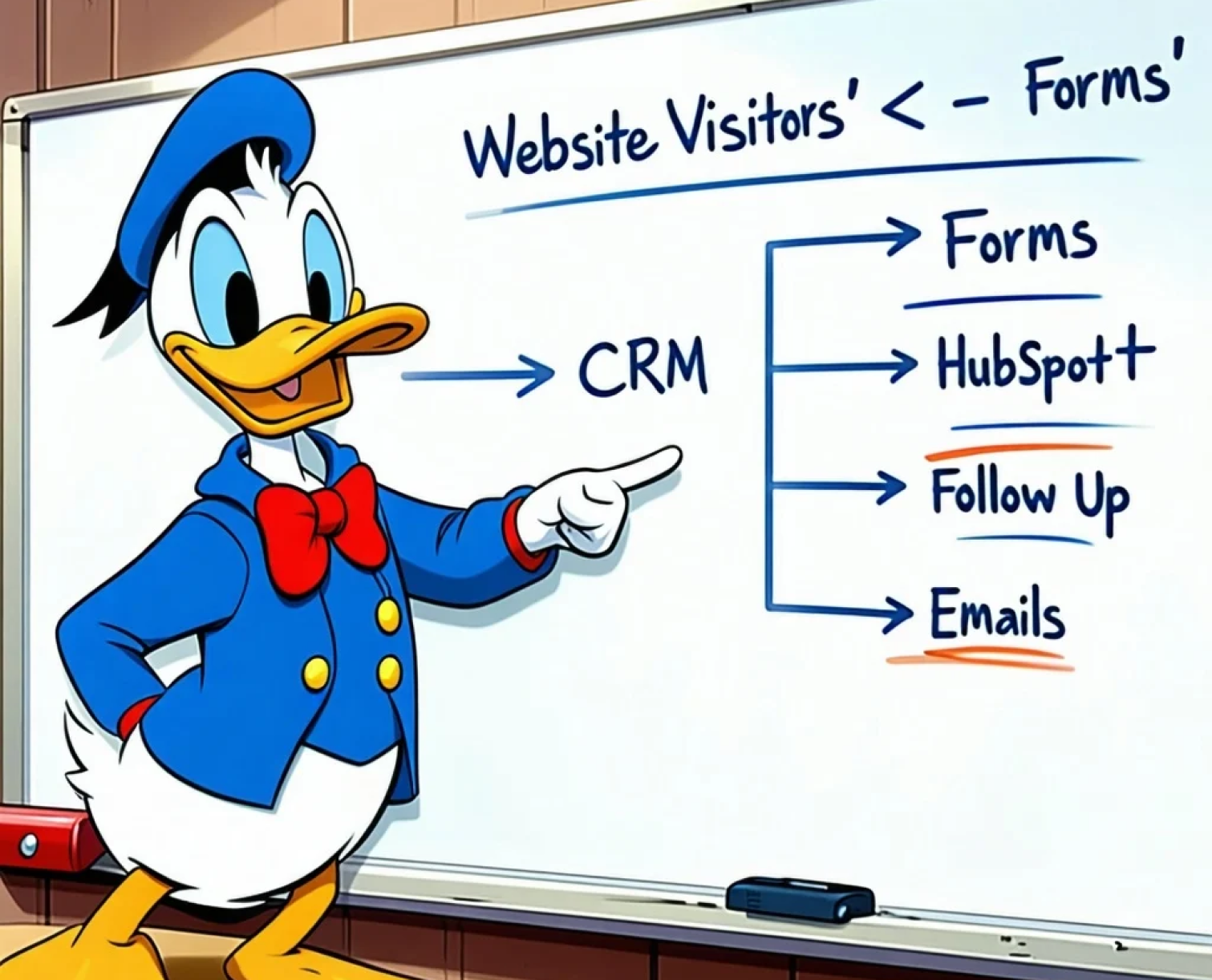
If your website and CRM aren’t working together, you leave opportunities (and revenue) on the table. Integrating HubSpot CRM with your website doesn’t just streamline your operations—it transforms your marketing into a data-driven, revenue-generating machine.
In this blog, we’ll explore how combining HubSpot CMS + CRM powers smarter lead gen—and how we set this up for clients ready to scale.
The Common Problem: Data Silos and Broken Follow-Ups
Here’s what happens when your website and CRM aren’t fully connected:
- Leads go into spreadsheets or email inboxes
- Follow-up is manual (and inconsistent)
- Campaign attribution is lost
- You don’t know what’s working—and what’s not
- Sales teams miss warm leads or follow up too late
It’s not just inefficient—it’s expensive.
What Happens When You Integrate CRM + CMS the Right Way
When your HubSpot website talks to your CRM instantly and intelligently, you unlock:
| Benefit |
What It Means for You |
| Real-time lead capture |
Every form pushes contact data directly into HubSpot CRM |
| Smart lead qualification |
Auto-tag leads by page visited, lifecycle stage, or source |
| Personalised follow-up |
Use workflows to send tailored emails instantly |
| Better campaign tracking |
Attribute leads by source, UTM, or form location |
| Lead nurture automation |
Trigger sequences based on behaviour |
| Sales-ready handoff |
Notify the sales team when leads hit key thresholds |
You’re not just collecting data—you’re activating it.
Case Snapshot: HubSpot Website + CRM = 3x Faster Lead Response
Client: A growing marketing agency running paid campaigns and webinars.
Before:
- Leads submitted forms, but lived in email
- The sales team manually imported and tracked them
- No segmentation or timely follow-ups
After We Integrated HubSpot CMS + CRM:
- All forms are connected directly to the CRM.
- Lifecycle stages, lead sources, and campaign tags are auto-assigned.
- Email sequences and deal triggers are set up.
- Sales are alerted within seconds when high-intent leads convert.
Results (60 days):
- Lead response time dropped from 12 hours to <1 hour
- The contact database grew 2.5x
- Lead-to-opportunity rate increased by 35%
How We Set Up CRM-CMS Integration for Clients
Here’s how we typically help:
- Form creation + hidden field tracking (source, campaign, etc.)
- Smart lists, segments, and lifecycle stages
- Custom properties for tracking product interest or funnel stage
- Lead scoring setup based on website activity
- Workflows for MQL follow-up and internal notifications
- Custom dashboards for lead flow visibility
Whether you're running gated content, product demos, or newsletter growth, this integration makes every touchpoint smarter.
Common Use Cases We Power:
- Webinar signups → CRM → Reminder workflow → Sales
- Downloaded eBook → Smart nurture email → HubSpot deal stage
- Product interest form → Assign to BDR → Create task + auto-email
- Blog subscribers → Score leads → Enroll in smart list
And more. All trackable. All scalable.




.png)