Show your work professionally on Dribbble, Behance, and beyond.
Why Portfolio Prep Matters
Your portfolio is your first impression. Proper preparation ensures:
✅ Projects look polished and professional
✅ Assets are correctly sized and optimized for web platforms
✅ Case studies communicate design process clearly
✅ Stakeholders and potential employers understand your workflow
Goal: Showcase your Figma projects effectively and professionally.
Organizing Your Project Step by Step
1. Clean Up Your Figma File
- Remove unused layers, components, and frames
- Organize pages: “Wireframes”, “Designs”, “Prototypes”, “Exports”
- Name layers and frames clearly for readability
2. Prepare Components & Screens
- Ensure all components are consistent (buttons, cards, headers)
- Check auto layout and responsive behavior
- Verify colors, typography, and spacing are accurate
3. Highlight Key Features
Select frames or sections that demonstrate:
- Layout skills
- Interactivity
- Design system usage
- Theming and responsive adjustments
Exporting Assets for Portfolio
1. Select Frames or Components
- Use File → Export or the Export panel
- Common export formats:
- PNG for static images and thumbnails
- SVG for icons or vector illustrations
- PDF for full case study downloads
2. Set Export Settings
- Resolution: 1x for web, 2x for high-density screens
- Background: Transparent or white, depending on platform
- Naming: Use clear names (
BlogCard_Hover.png, Homepage_Desktop.png)
3. Export Multiple Screens
- Use slices or batch export to save time
- Verify alignment and image quality
Creating Portfolio Case Studies
- Project Overview: Problem, goal, and target audience
- Wireframes & Layouts: Show process and iterations
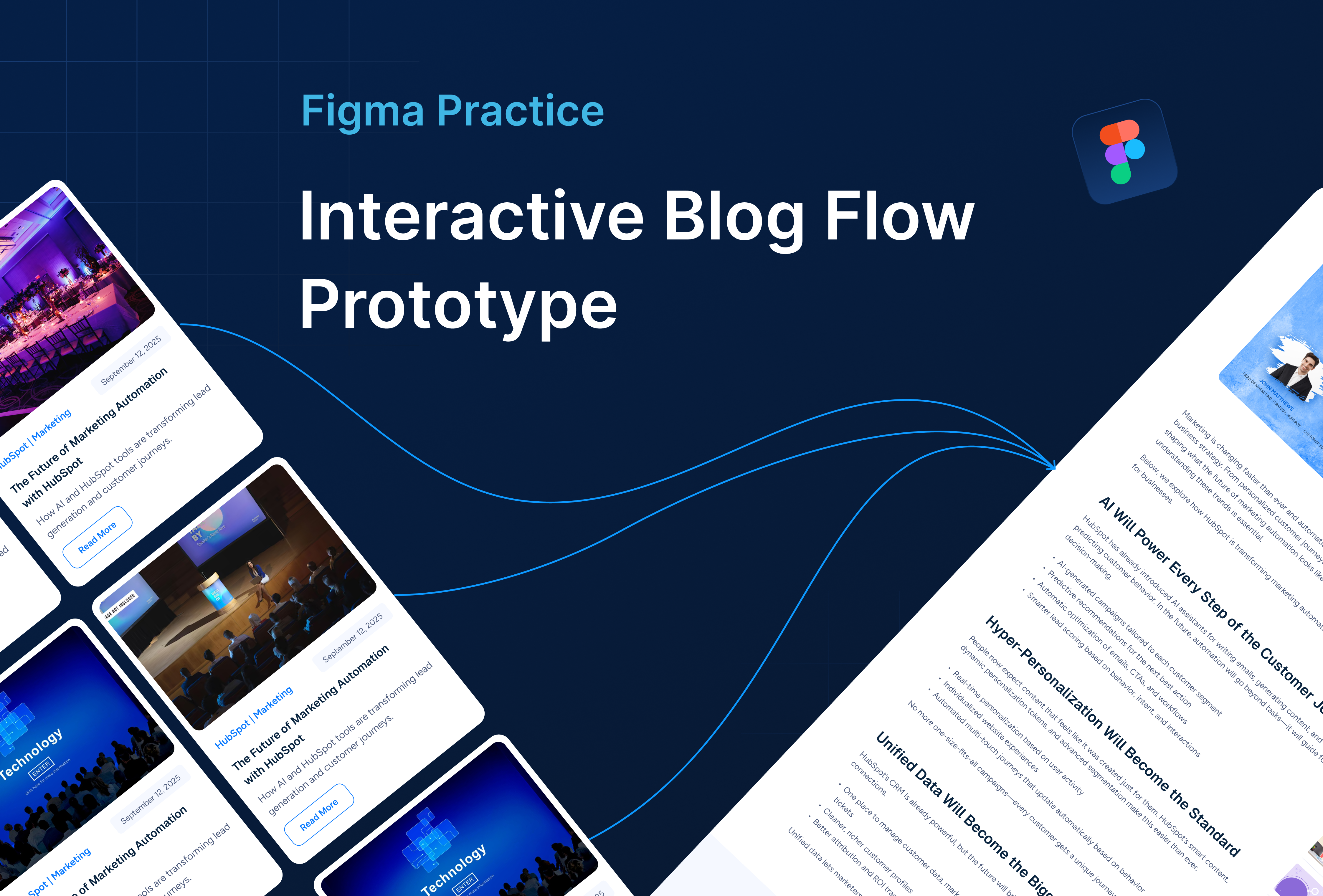
- Final Designs: Include interactive mockups or prototypes
- Design System Usage: Highlight components, variants, and theming
- Responsive Screens: Showcase desktop, tablet, and mobile
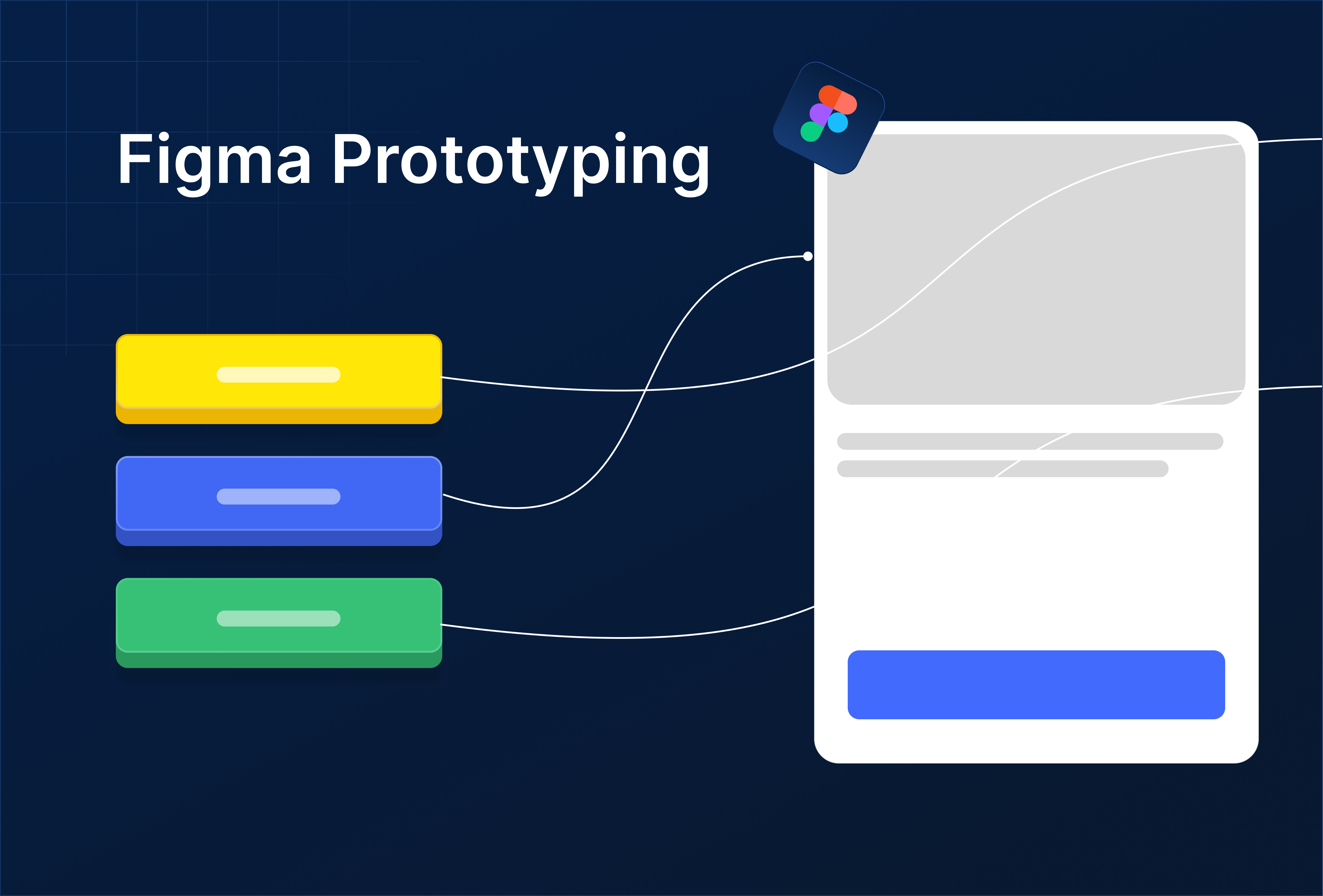
- Interactive Prototype Link: Optional Figma prototype for live demo
Platforms like Dribbble and Behance allow combining visuals with text descriptions and links to prototypes.