


Blog

Listen to the Blog
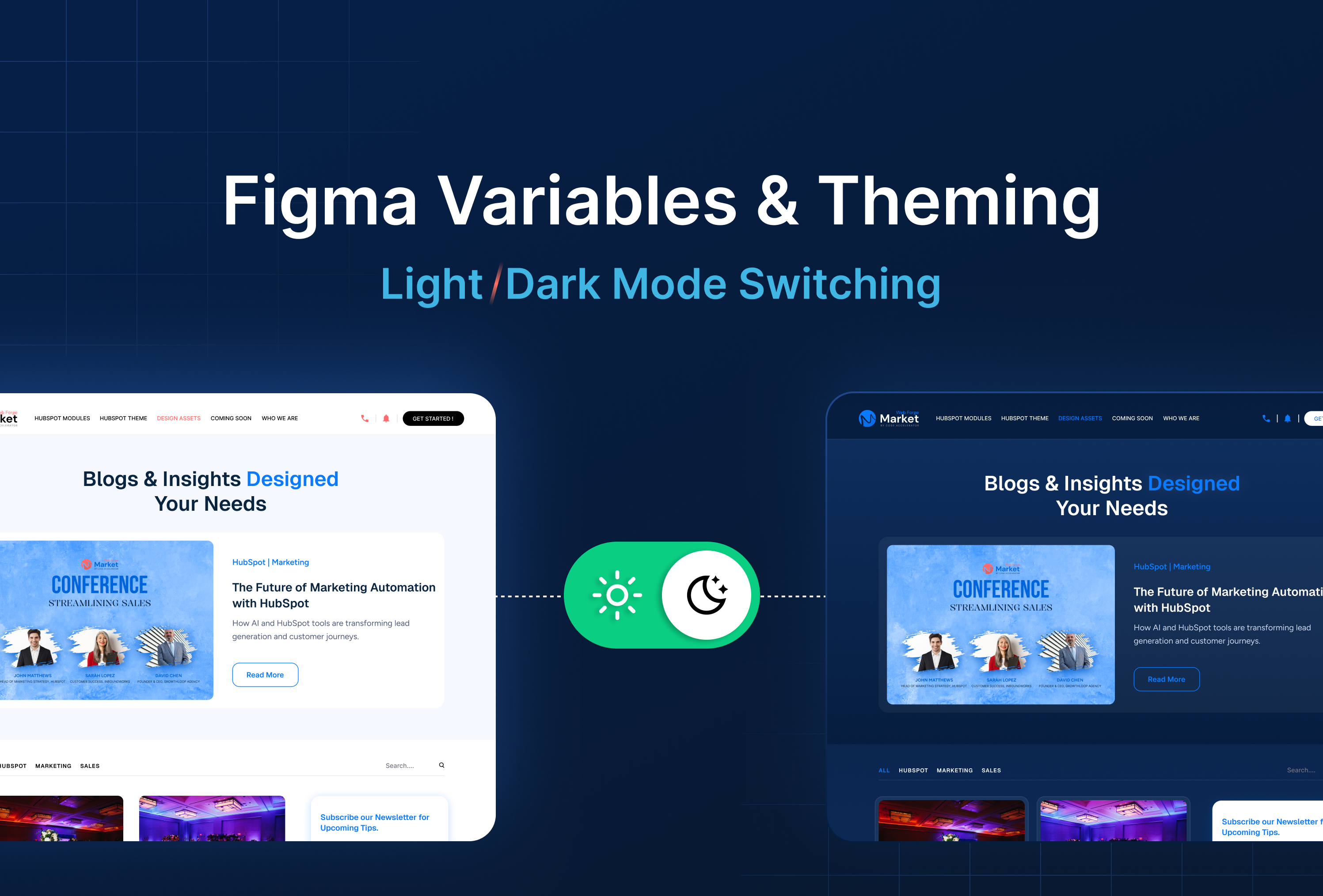
Variables allow light/dark mode switches.
What Are Figma Variables?
Variables let you define reusable values - colors, text styles, or even numeric values that can dynamically update your components.
This is especially powerful for light and dark mode theming.
Goal: Reduce manual updates and maintain consistency across your design system.
Why Theming Matters
- Supports multiple UI modes (light, dark, custom brand themes)
- Ensures consistent application of colors and styles
- Makes design updates faster change one variable, update everywhere
- Enhances user experience by adapting to user preferences
Setting Up Variables Step by Step
1. Open Variables Panel
Go to Right Panel Click On the Variable.
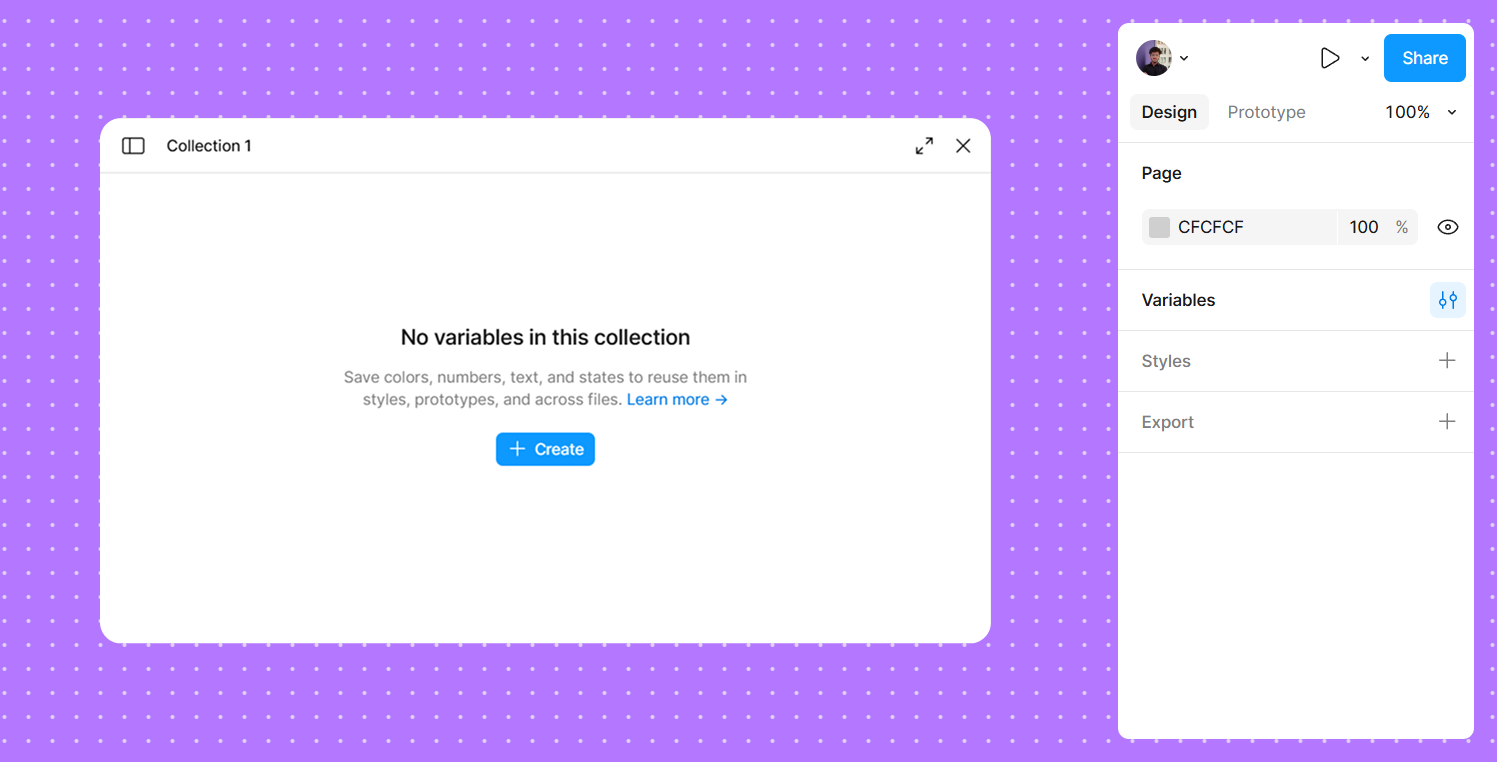
2. Create a Variable Set
- Example:
Theme Colors - Add variables like:
Primary ColorBackground ColorText Color
3. Assign Values
Assing Color Values for Light and Dark version.
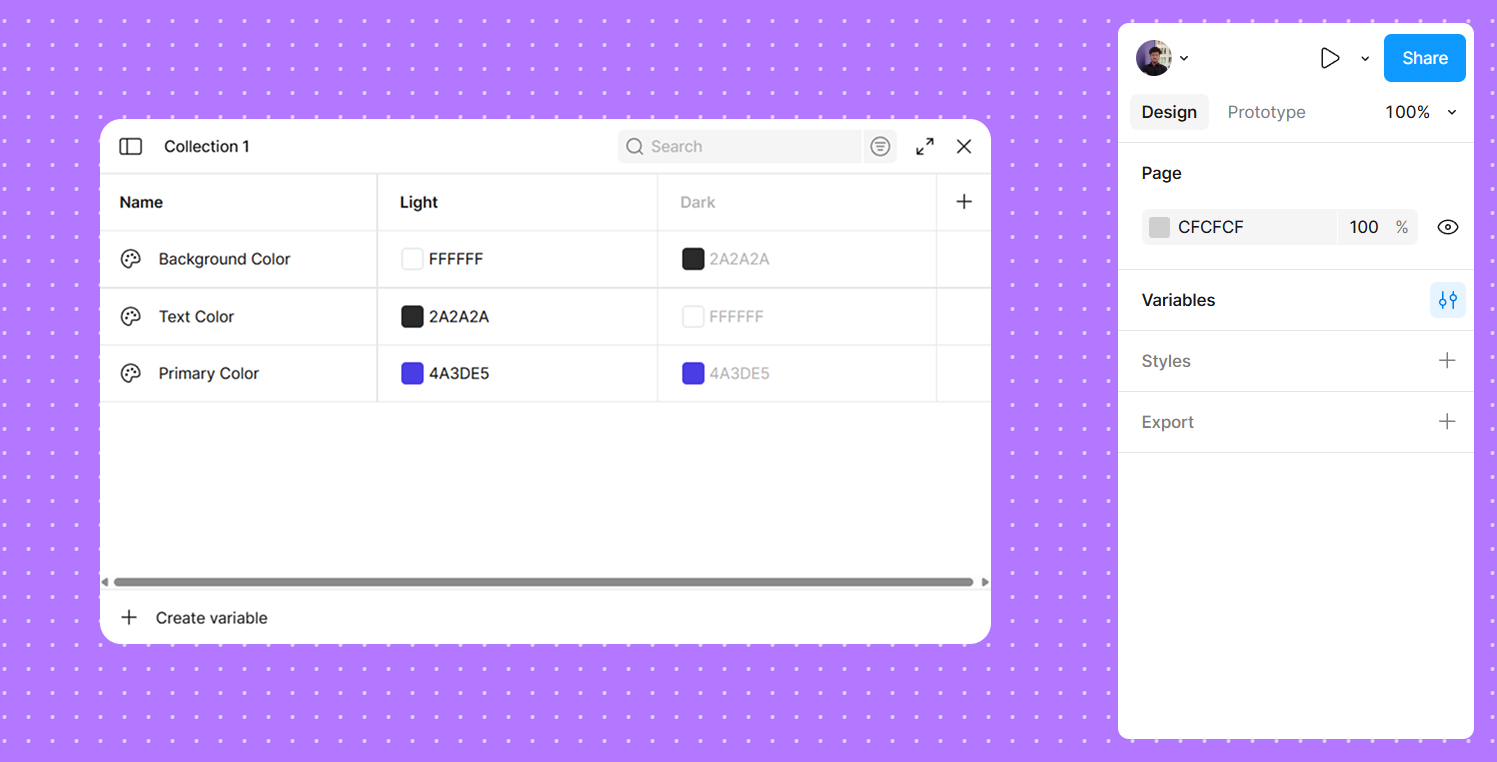
4. Apply Variables to Components
- Select a button, card, or text layer
- Replace static color/style with the corresponding variable
Switching Between Themes
- Add a Theme Switch Component (e.g., toggle button)
- Connect the toggle to the variable set
- When users switch modes, all linked components update automatically
his makes it easy to prototype light/dark mode in real time.
Best Practices
✅ Name variables clearly: Light/Primary, Dark/Primary
✅ Use variable sets per theme to organize effectively
✅ Combine with Components & Variants for dynamic UI elements
✅ Test across multiple frames to ensure consistency
UI/UX Designer and Marketing Specialist who combines creative design and strategy to craft engaging, conversion-driven user experiences. Passionate about clean, human-centered interfaces that deliver real results.
Related Post
You may also be interested in
-
Figma Interactive Components: Build Buttons, Toggles & Menus
Build buttons, toggles, menus with click interactions.

-
Figma Prototyping: How to Link Screens for Interactive Navigation
Create navigation between screens.
-

Figma Collaboration 2025: Simulate Team Feedback & Review
Simulate team feedback effectively.