


Blog

Listen to the Blog
Marketing teams are always under pressure to launch campaigns quickly. New landing pages, product announcements, webinar promotions, and seasonal offers all require speed. But the slowest part of the process is usually design. Waiting for layouts, reviewing drafts, and aligning on structure can drag timelines.
This is where Figma makes a huge difference for marketers.
You do not need to be a designer to use Figma effectively. With a few simple skills, you can plan landing pages, campaign layouts, and website updates faster and communicate ideas clearly to designers and developers.
1. Start With a Simple Wireframe Instead of Full Design
Most marketers jump directly into visuals like fonts and colors. But the fastest way to plan a campaign page is to begin with a wireframe.
A wireframe helps you:
-
Focus on messaging instead of design
-
Map the page flow in a clear way
-
Decide the type of content you need
-
Align with your team faster
-
Reduce redesign time later
Inside Figma, you can use simple shapes:
-
Rectangles for images
-
Lines for dividers
-
Text boxes for headings
-
Grey blocks for sections
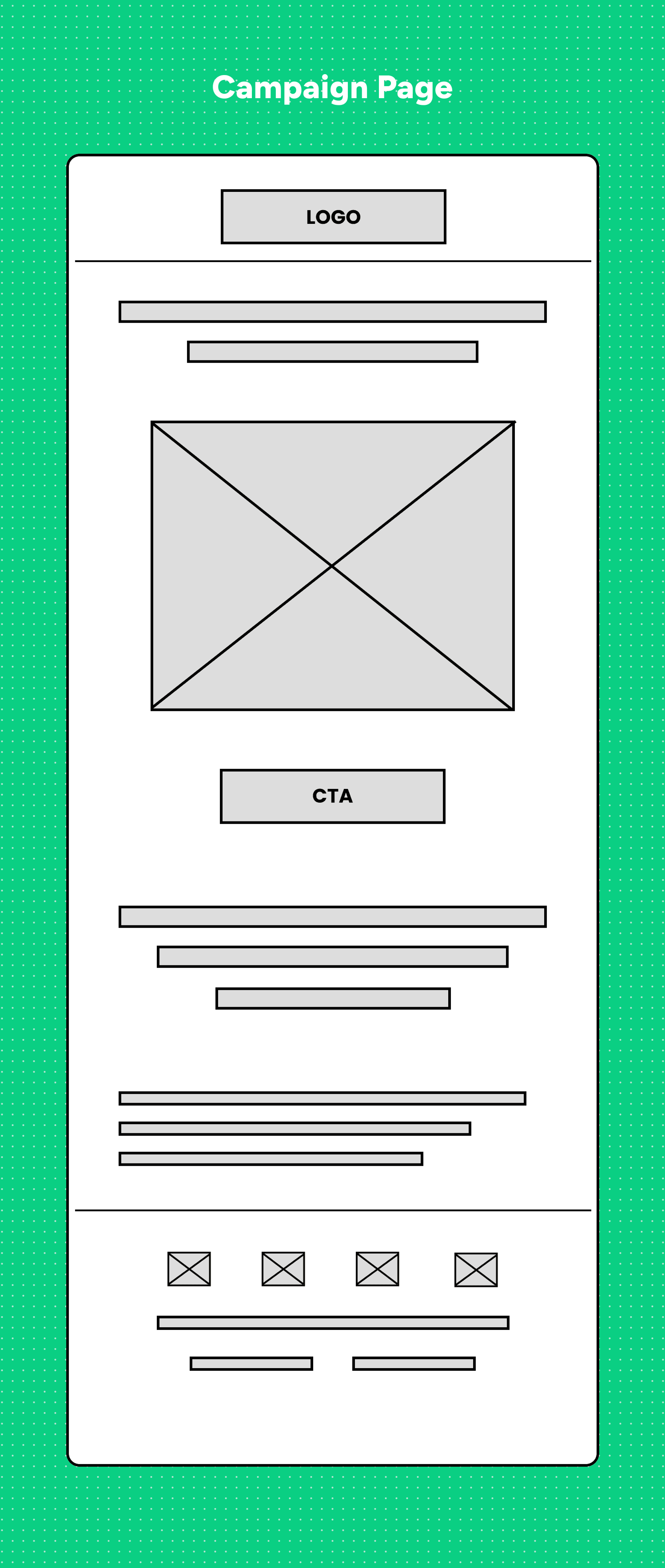
Download free wireframe kits from the Figma Community.
Why this works: Wireframes remove decoration and help everyone focus on clarity and strategy.
2. Use Auto Layout for Quick and Clean Structure
Auto Layout is powerful for non-designers because it helps you:
-
Add or remove elements without breaking spacing
-
Keep alignment neat
-
Maintain consistent padding
-
Rearrange elements easily
-
Create variations quickly
For marketers, this means you can build multiple page ideas in minutes.
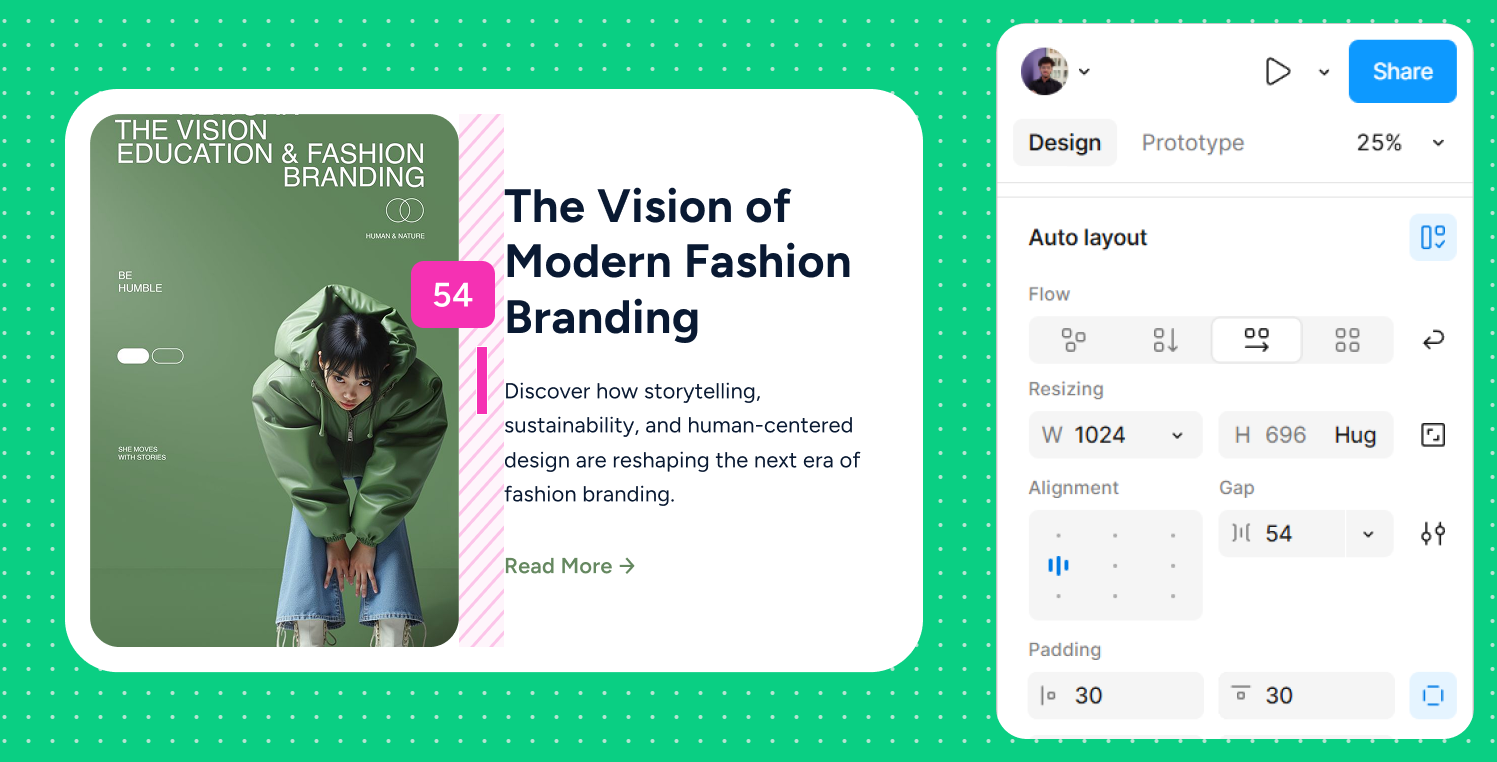
Example:
Want to test a hero section with the CTA on the left and another version with it on the right?
Duplicate your frame to Swap the elements.
3. Use Real Content Early Instead of Lorem Ipsum
Campaigns fail when content and design are created separately.
Inside Figma, always use real text:
-
Real headline
-
Final CTA
-
Actual product benefits
-
Real testimonials
This helps you:
-
Spot copy issues early
-
Adjust layout based on real text length
-
Make the page feel realistic
-
Shorten the review cycle
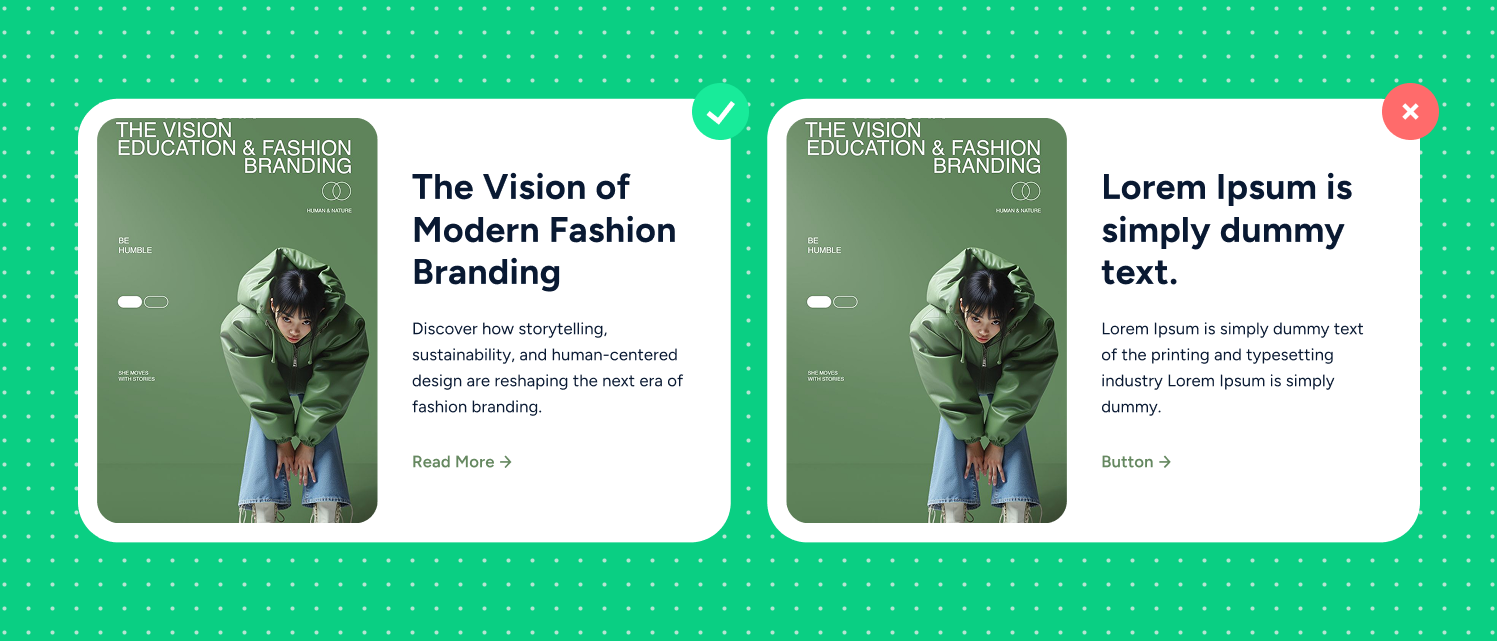
Even if your content is not final, using 80 percent real text is better than placeholder text.
4. Create a Page Flow Before Designing Sections
Before you start placing elements, define a simple outline:
-
Hero Section: What is the main promise?
-
Problem Statement: What pain are you addressing?
-
Solutions or Benefits: How does your offer help?
-
Social Proof: Badges and testimonials
-
Offer Details: Product info or packages
-
Primary CTA: What is the action?
-
FAQ: Handle objections
-
Secondary CTA: A softer action
Use this outline as the base inside Figma. It helps you create a clean, high-converting structure.
5. Use Figma Components for Reusable Sections
Do not rebuild sections from scratch.
Use components for:
-
Hero layouts
-
Feature blocks
-
Pricing tables
-
Forms
-
CTA bars
-
Footers
-
Testimonials
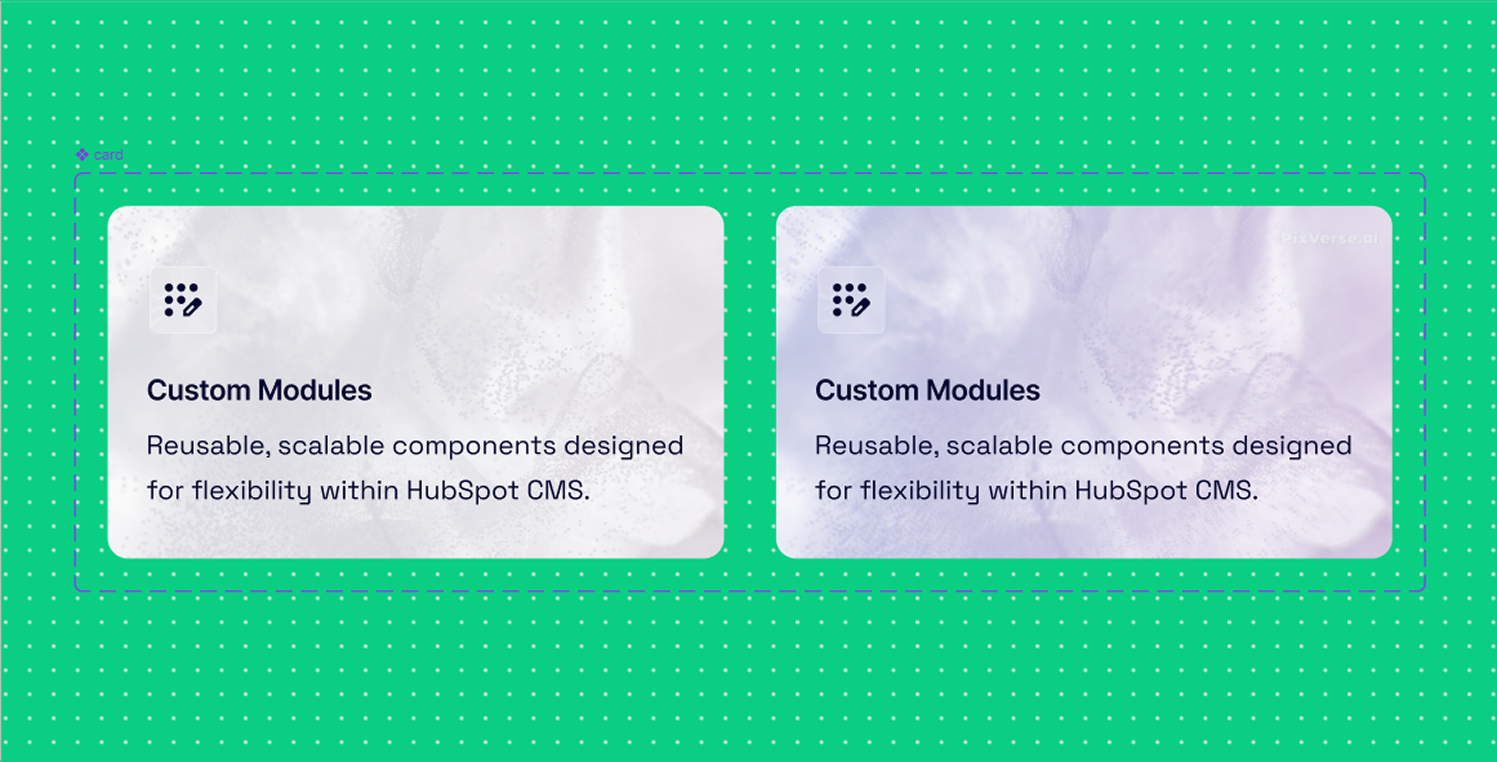
Components help you stay consistent across all your pages by keeping every section aligned with your brand. They also speed up your workflow because you can reuse the same blocks instead of rebuilding them. This makes it easier to maintain your styling, and any update you make to a component automatically applies everywhere it is used.
6. Add Light Interactions to Present Ideas Clearly
Marketers often struggle to explain how a page should behave.
Prototypes in Figma help you show:
-
Scroll flow
-
Button hover
-
Form interactions
-
Popups
-
Multi-step flows
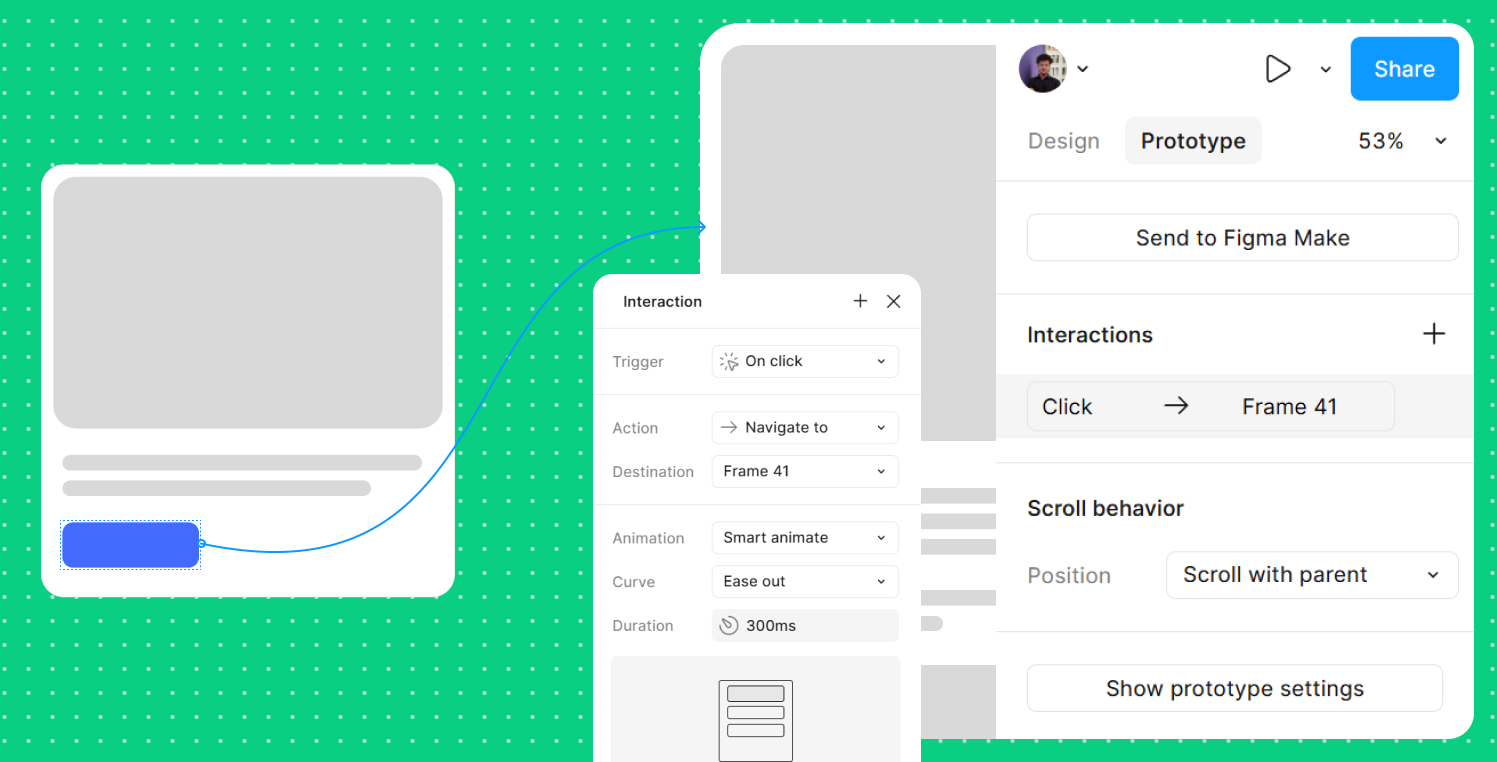
Even basic click-through prototypes make your concept more polished and easier for teams to understand.
7. Use Comments for Faster Collaboration
Figma’s real-time collaboration is a major time-saver. You can:
-
Tag designers to fix spacing
-
Tag copywriters to edit text
-
Tag product teams for accuracy
-
Tag developers with implementation notes
-
Track all feedback in one place
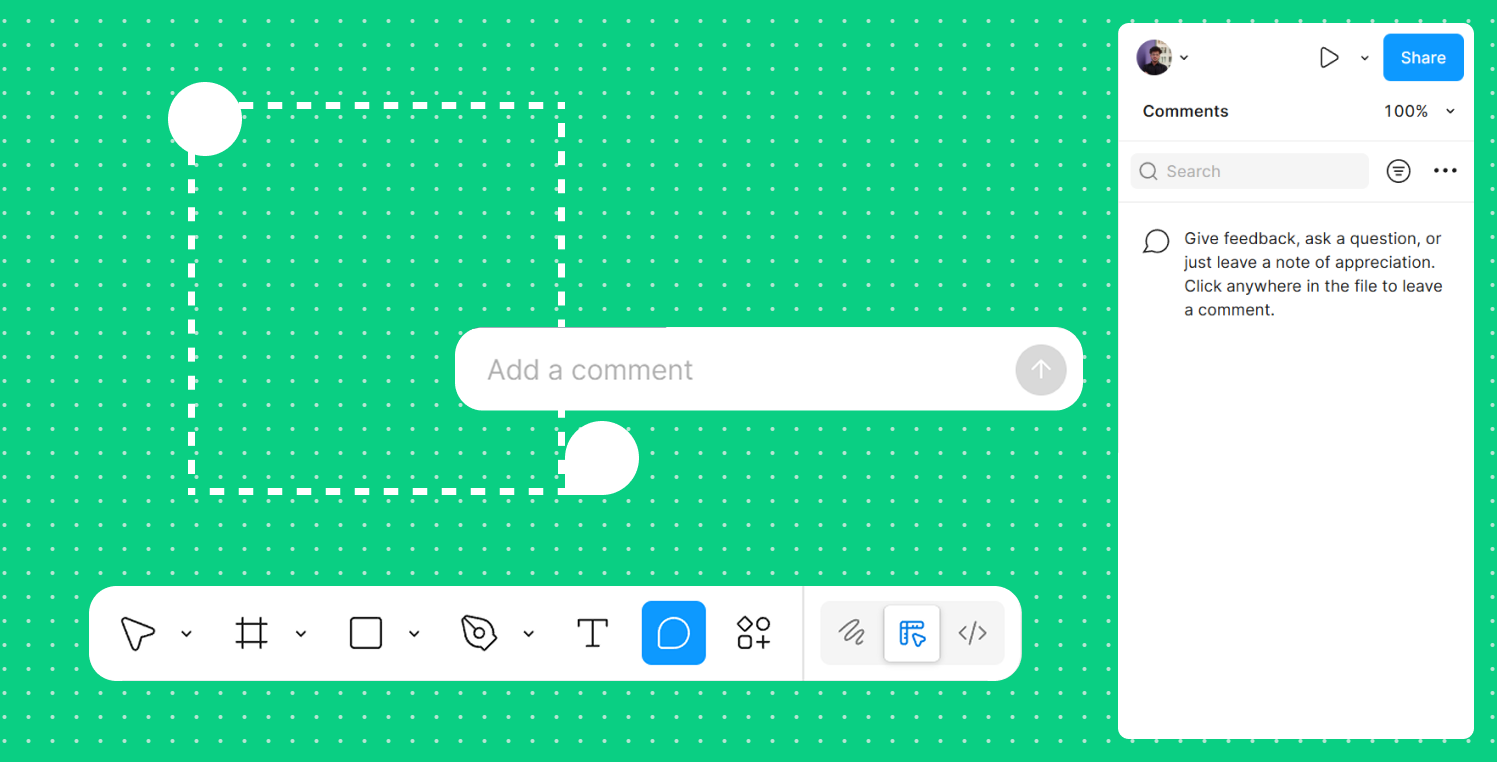
No confusing emails. No outdated files. No version issues. Everything stays inside one file.
8. Duplicate and Reuse Winning Page Layouts
If a past landing page performed well, reuse the structure.
-
Duplicate the frame
-
Replace content
-
Swap visuals
-
Update CTAs
This helps you launch campaigns much faster while keeping quality high.
Final Thoughts
You do not need advanced design skills to use Figma. With basic wireframes, simple Auto Layout, reusable components, real content, light prototypes, and clear collaboration, you can plan and launch campaign pages much faster. These essentials help you reduce back-and-forth with designers and create concepts that look polished and strategic.
Figma is not meant to replace designers. It helps marketers think visually and work smarter, which makes the entire campaign process smoother for everyone.

UI/UX Designer and Marketing Specialist who combines creative design and strategy to craft engaging, conversion-driven user experiences. Passionate about clean, human-centered interfaces that deliver real results.
Related Post
You may also be interested in
-
Landing Page Not Converting? UX Fixes You Can Test in Figma (Before Hiring an Agency)
Getting traffic but not leads?

-

Figma Plugins 2025: Save Time & Boost Productivity
Save time and supercharge your workflow with Figma plugins.
-

Figma Smart Animate & Transitions: Create Smooth UI Motion
Smooth motion makes prototypes feel real.