


Blog

Listen to the Blog
Save time and supercharge your workflow with Figma plugins.
Why Use Figma Plugins
Figma plugins are add-ons that automate repetitive tasks, add functionality, and enhance your design workflow.
Benefits include:
✅ Speed up design tasks: batch rename layers, generate content, or create icons instantly
✅ Improve consistency: apply color styles, grids, or typographic scales automatically
✅ Save manual effort: reduce errors in repetitive work
✅ Integrate with other tools : connect Figma to Slack, Jira, or Notion
Goal: Focus on design, not repetitive administrative tasks.
Installing Figma Plugins in just few steps
1. Open Plugin Menu
Go to Menu → Plugins → Browse Plugins in Community
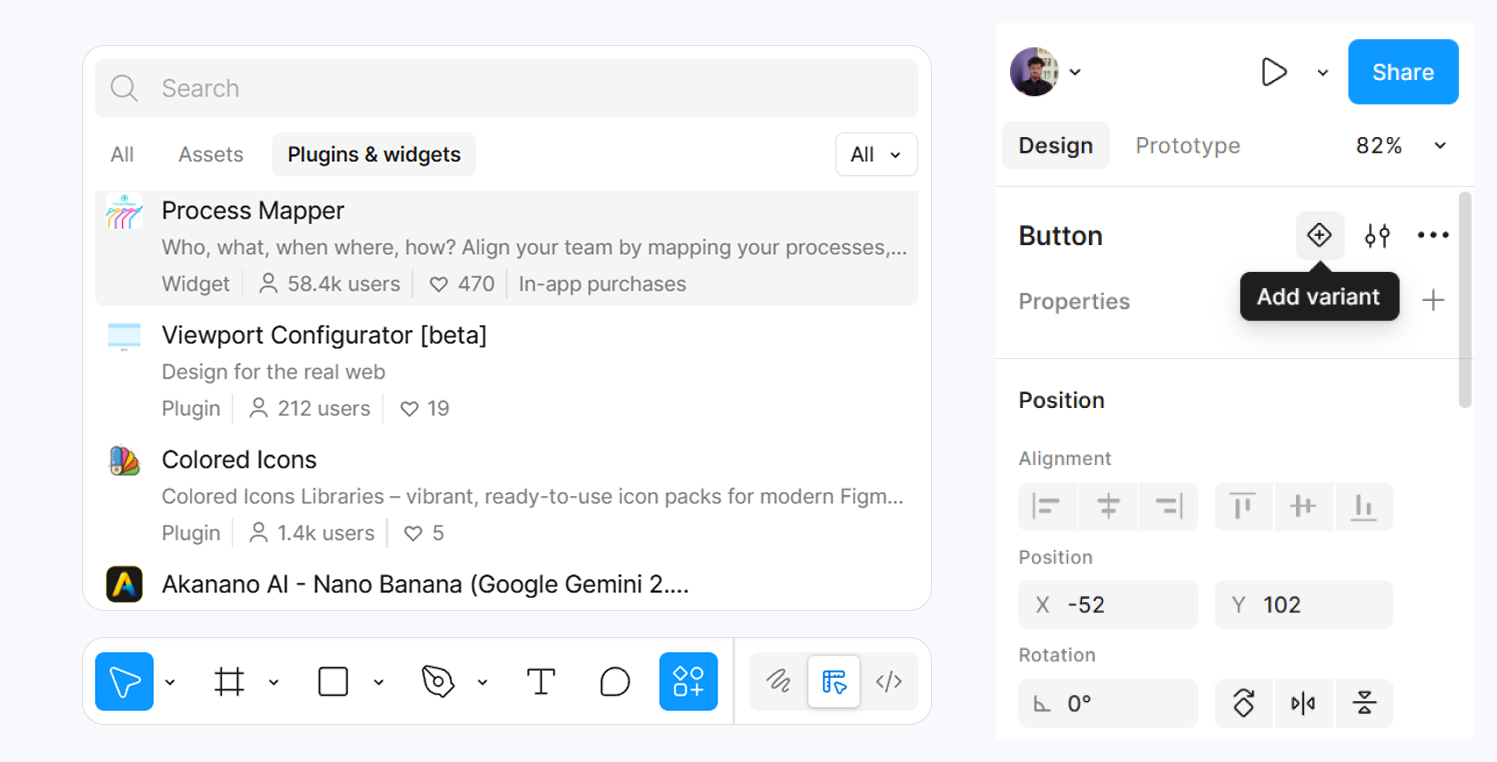
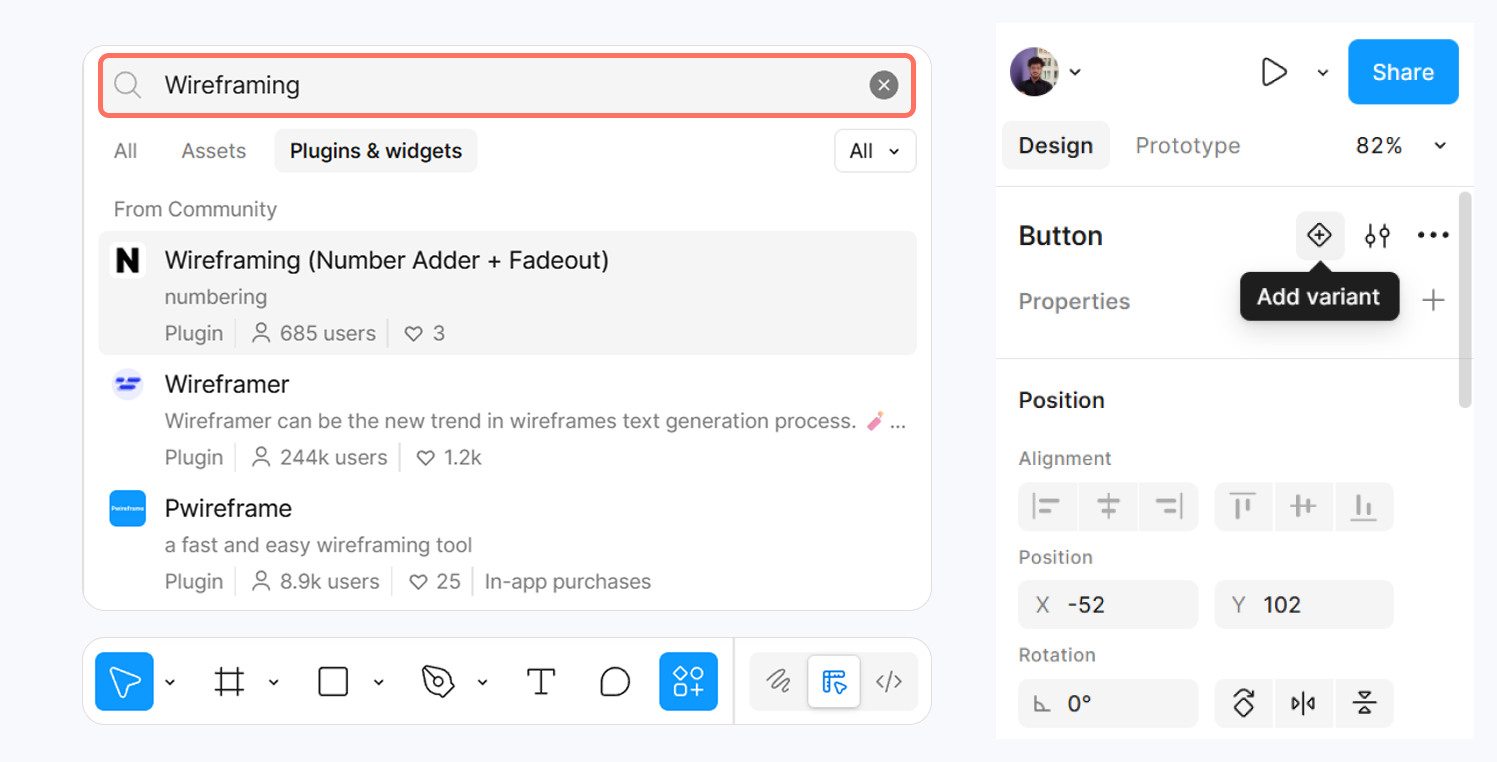
2. Search for Plugins
Type the plugin name or browse categories like:
- Productivity
- Icons & Illustrations
- Wireframing
- Automation
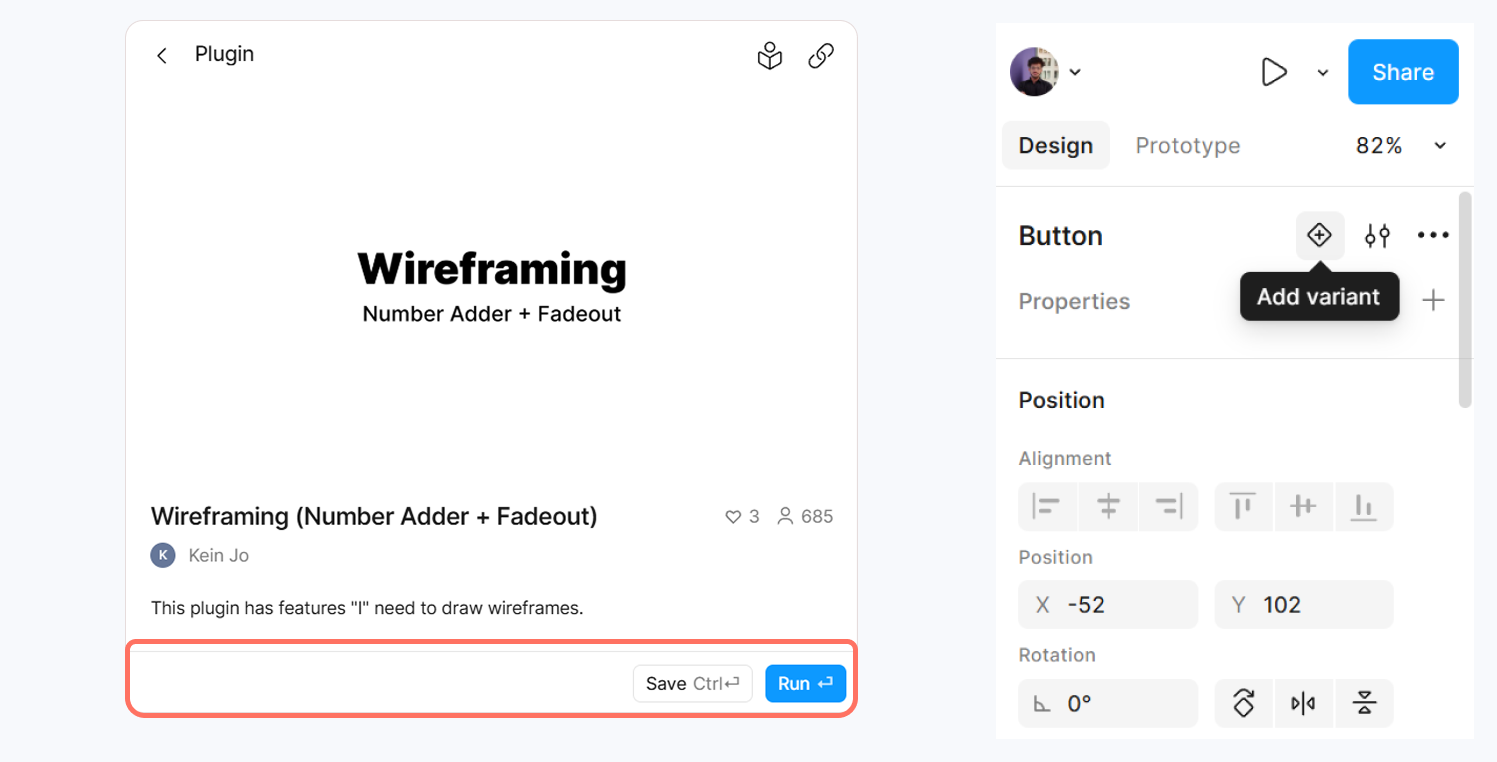
3. Install Plugin
Click Run→ it will now appear in Menu → Plugins for any file.
4. Use the Plugin
- Open your Figma file → Menu → Plugins → [Plugin Name]
- Follow the plugin’s instructions (varies per plugin).
Must-Have Figma Plugins in 2025
Content Reel
Generate realistic text, avatars, and images for wireframes quickly.
Iconify
Access thousands of icons and insert them directly into your frames.
Autoflow
Quickly connect components or screens with arrows perfect for prototyping flows.
Rename It
Batch rename layers and frames to keep your file organized.
Stark
Check color contrast, simulate vision deficiencies, and improve accessibility.
Using plugins wisely can save hours of work every week.
UI/UX Designer and Marketing Specialist who combines creative design and strategy to craft engaging, conversion-driven user experiences. Passionate about clean, human-centered interfaces that deliver real results.
Related Post
You may also be interested in
-
Figma Interactive Components: Build Buttons, Toggles & Menus
Build buttons, toggles, menus with click interactions.

-
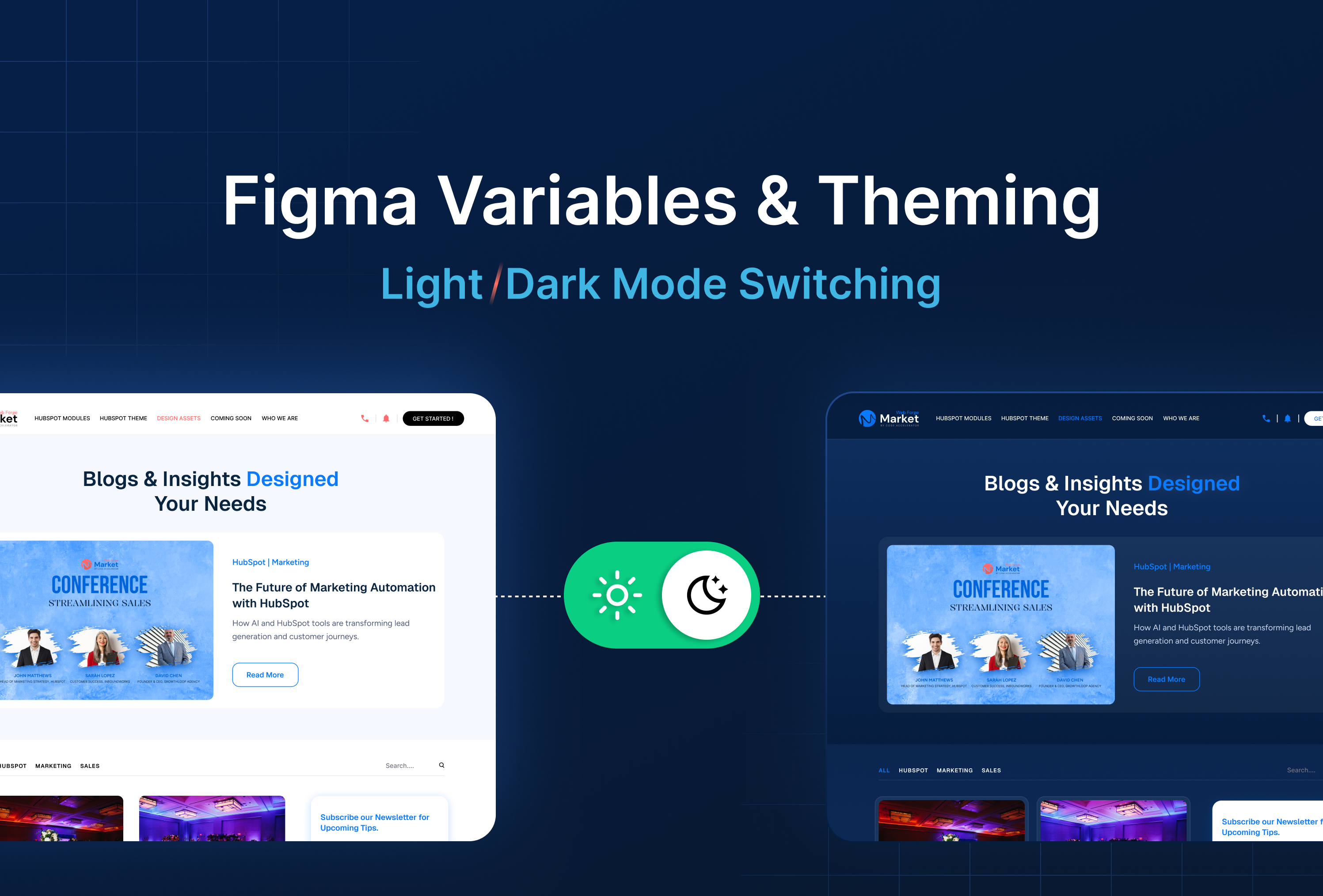
Figma Variables & Theming: Light/Dark Mode Switches
Variables allow light/dark mode switches.
-
Figma Prototyping: How to Link Screens for Interactive Navigation
Create navigation between screens.