


Blog


Listen to the Blog
Introduction: The Silent Website Struggles
Your website should work for you, not against you. Yet for many businesses, what starts as a simple site quickly becomes a maintenance nightmare: slow load times, endless plugin updates, and costly developer dependencies.
If you’ve been asking yourself, “Is my CMS still right for my business?”, this website pain points checklist will help you decide. And if you’re already comparing platforms, here’s a helpful guide: HubSpot CMS vs WordPress.
Why Your CMS Matters More Than You Think
Your CMS (Content Management System) is the backbone of your website. It impacts:
- Performance (site speed, uptime, SEO ranking)
- Security (protection from hacks, SSL, compliance)
- Flexibility (ease of edits, landing page creation, campaign speed)
- Growth (CRM integration, lead capture, scalability)
If your CMS struggles in any of these areas, you’re limiting your business growth.
Website Pain Points Checklist
1. Slow Website Speed
53% of users leave a site if it takes more than 3 seconds to load. Slow sites mean lost revenue, poor SEO rankings, and frustrated visitors.
Ask yourself:
- Are you patching speed with plugins, caching, or CDNs?
- Do speed test tools keep showing “poor performance”?
2. Too Many Plugins to Function
Plugins promise flexibility, but they often create a fragile foundation.
- Do you rely on separate plugins for SEO, security, forms, and analytics?
- Do plugin conflicts or updates break your site?
- Is your dashboard cluttered with dozens of tools?
A CMS should simplify your stack, not overload it.
3. Security & Maintenance Headaches
Your website is your digital front door. A hack, downtime, or expired SSL certificate can instantly destroy trust.
- Are you constantly applying updates or patches?
- Do you pay extra for SSL, hosting, or security add-ons?
- Do you worry about hacks, downtime, or vulnerabilities?
Security should be built-in, not an extra burden.
4. Simple Edits Aren’t Simple
Updating a headline, swapping an image, or launching a new page should take minutes, not hours.
- Do you need a developer for fundamental content changes?
- Does “drag-and-drop” feel clunky or limited?
- Are marketing campaigns delayed because your site can’t move fast?
Your CMS should empower your team, not slow them down.
5. No CRM Integration
Your website isn’t just for “looking good.” It should capture leads and fuel growth.
- Are form fills manually exported to spreadsheets?
- Does your sales team lack visibility into website leads?
- Do you struggle to connect website data to ROI?
6. Scaling Feels Like Starting Over
As your business grows, your CMS should scale with you.
- Do new features always require custom code?
- Do redesigns feel like complete rebuilds?
- Is your CMS struggling to keep up with business growth?
If scaling is painful, it’s time to rethink.
When to Rethink Your CMS
If you ticked even two or more boxes from this checklist, it’s a clear sign: your CMS is holding you back.
A growth-ready CMS should:
- Load lightning fast.
- Handle security automatically.
- Offer drag-and-drop editing.
- Integrate with CRM.
- Scale as your business grows.
Smarter CMS Options (HubSpot CMS Example)
One option many growing businesses choose is HubSpot CMS, because it:
- Comes with a global CDN for speed
- Includes hosting + SSL out of the box
- Offers true drag-and-drop editing
- Connects natively with HubSpot CRM
- Scales without plugins or patches
Learn more about our HubSpot CMS development services.
I’m a Consultant, Developer, and Entrepreneur who loves to help people make their businesses grow. I’ve been working in the tech industry for over 7 years, and my passion is helping others get the most out of technology.
Related Post
You may also be interested in
-
.png)
How to Track Website Performance in HubSpot (And What Actually Matters)
“If you can’t measure it, you can’t improve it.” Your website isn’t just a digital ...

-
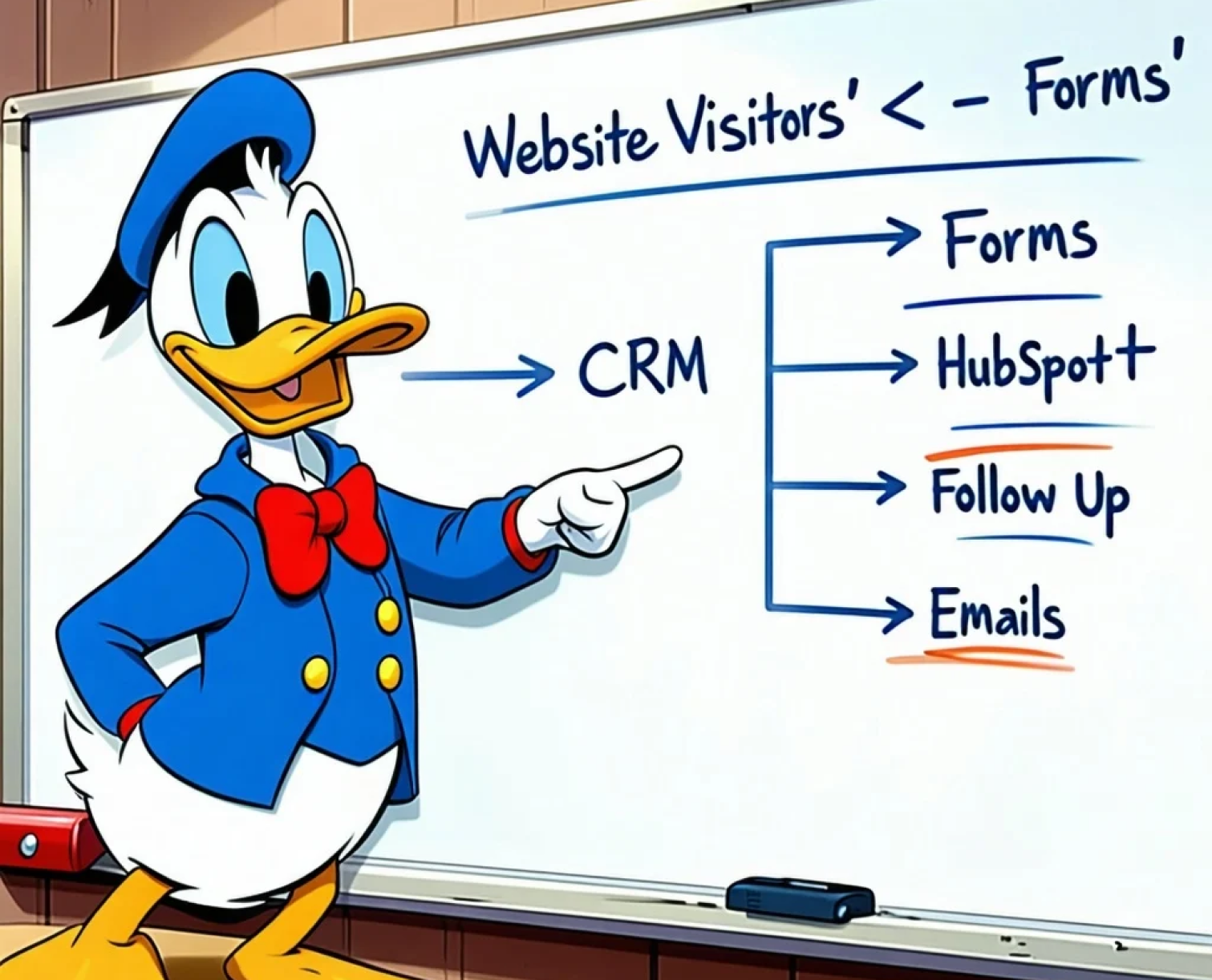
How Connecting Your Website to HubSpot CRM Supercharges Lead Generation
A high-converting website doesn’t just capture leads—it activates them. Most websites ...
-
Why Is My Website Slow? 5 Common Causes (and How HubSpot Fixes Them)
We’ve all been there. You click on a website, wait a few seconds, and before the page ...