


Blog

Listen to the Blog
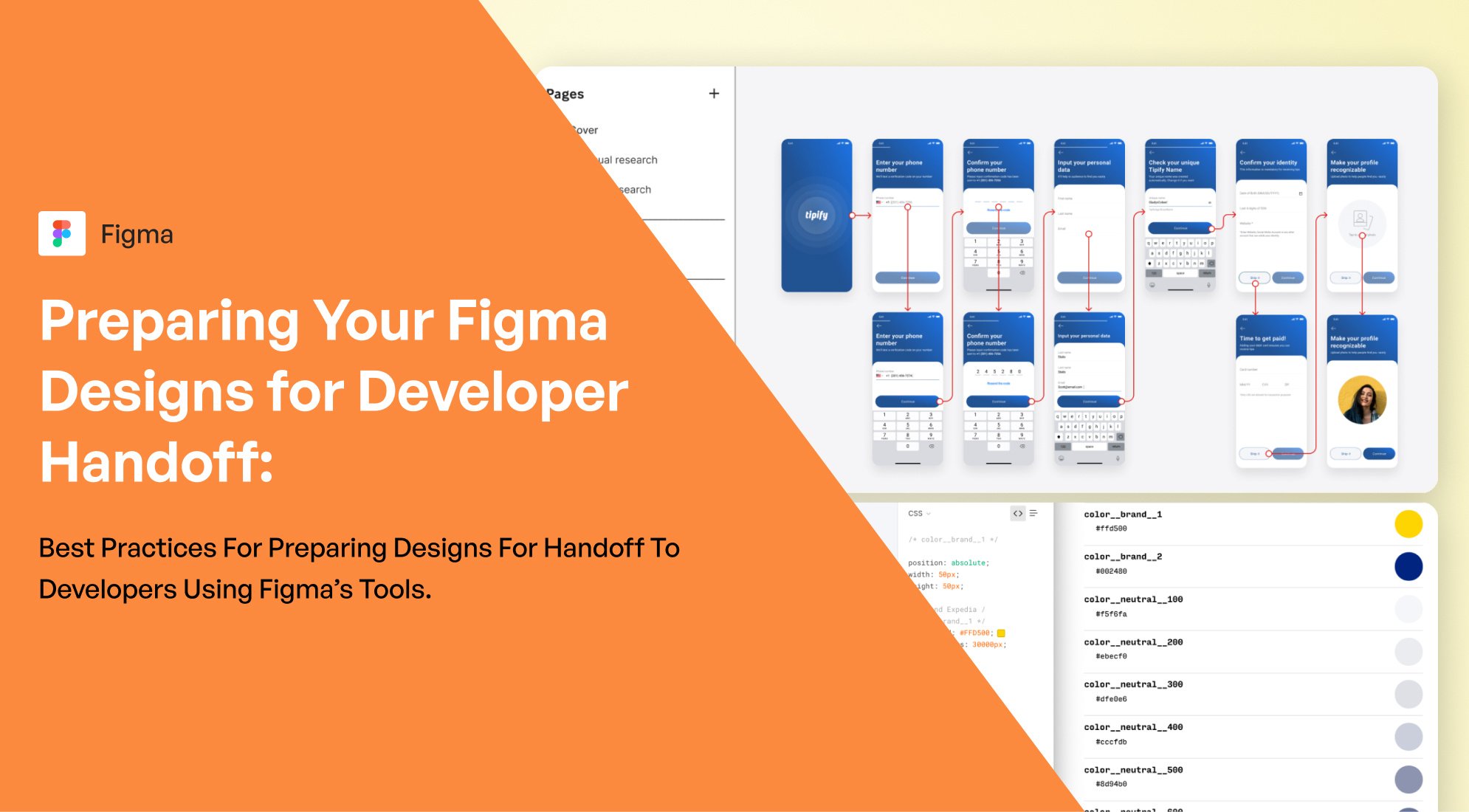
Designing in Figma is just the first step; ensuring that your designs are ready for a seamless developer handoff is equally important. Here are some best practices to prepare your Figma designs for developers, leveraging Figma’s robust features and tools.
1. Organize Your Layers and Components
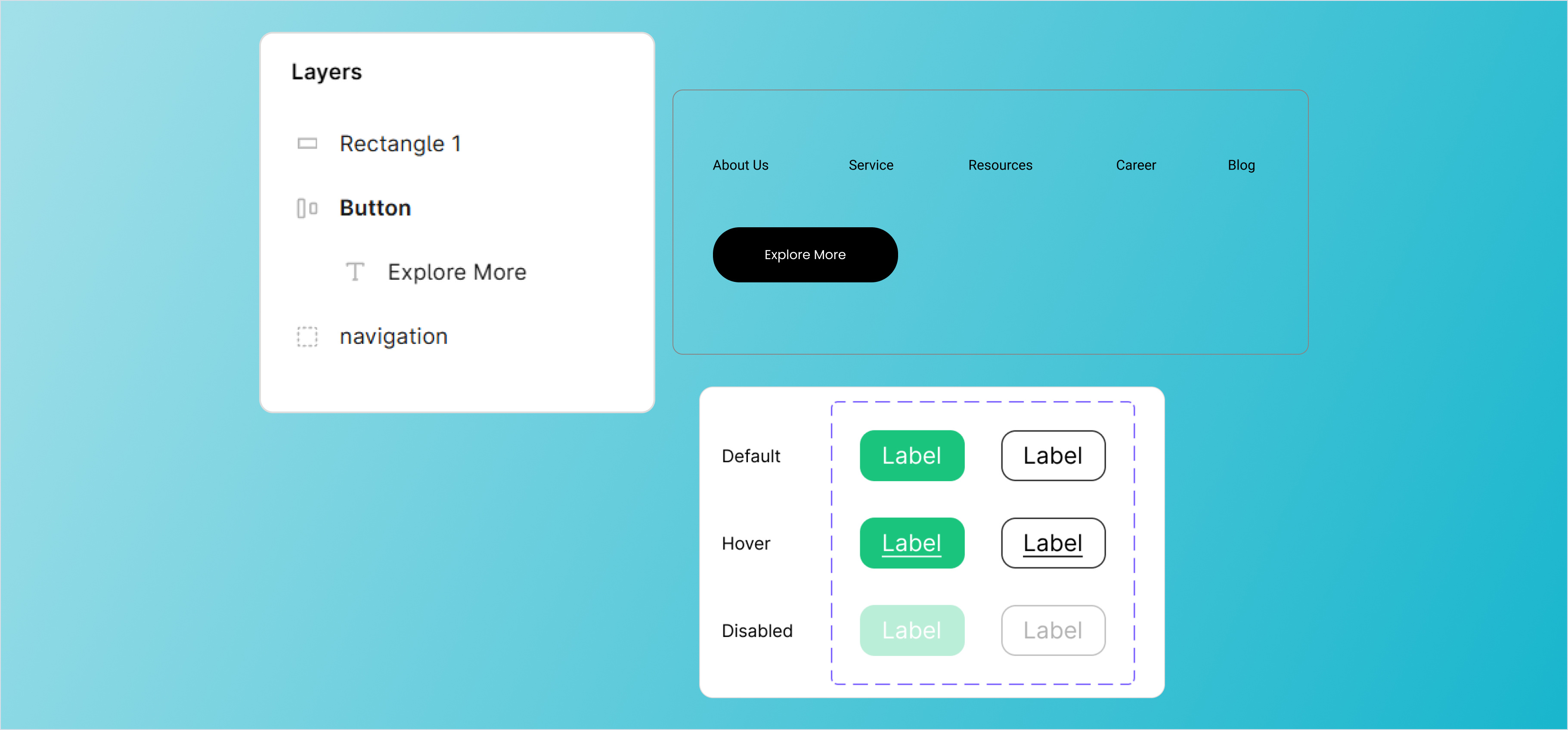
- Name Layers Clearly: Use descriptive and consistent names for layers and groups (e.g., "Button/Primary" instead of "Rectangle 23").
- Group Logically: Group elements that belong together, like form fields or navigation components.
- Use Components and Variants: Create reusable components with variations (e.g., button states) to standardize your design.
2. Maintain Design Consistency
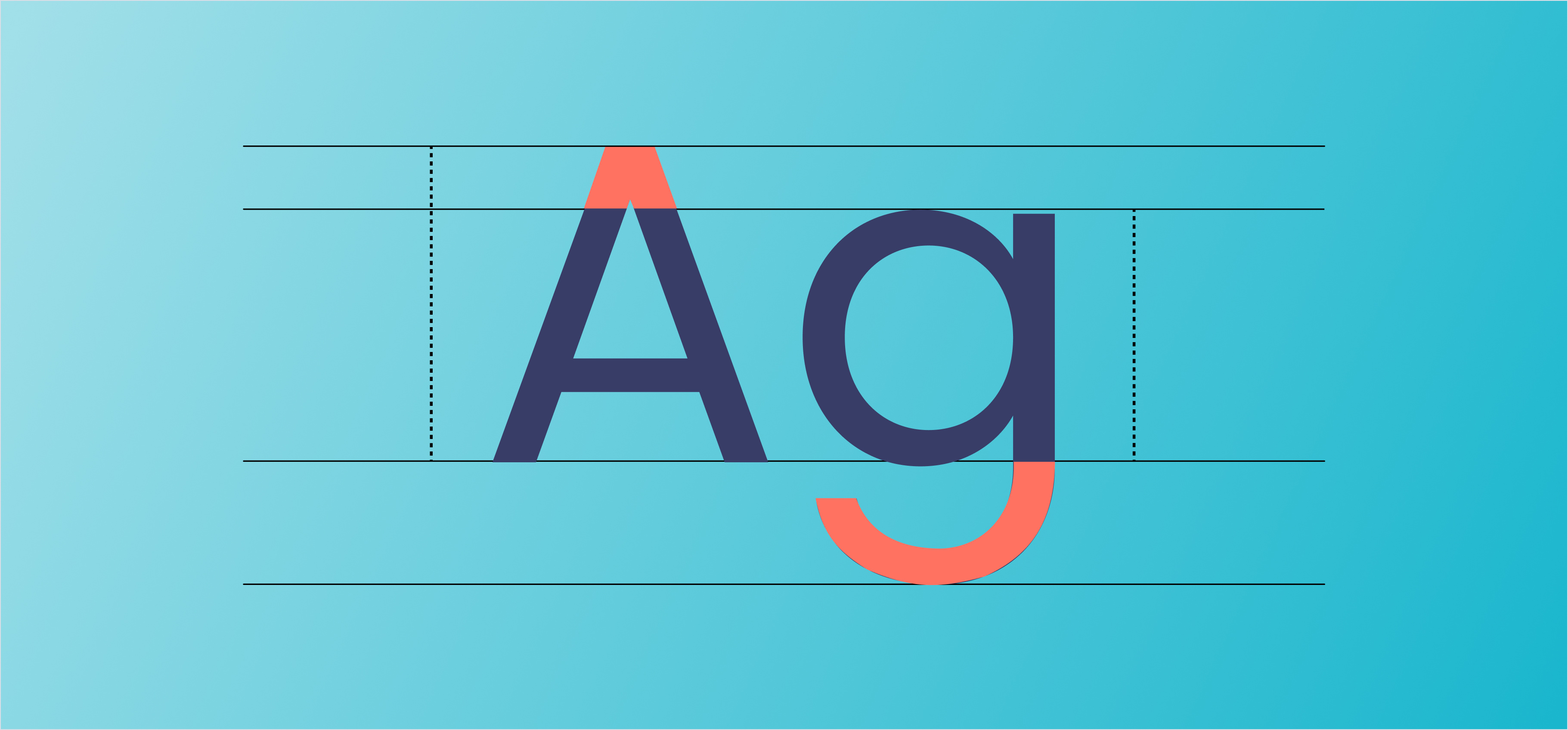
- Apply Styles: Use Figma’s text, color, and effect styles to keep your design cohesive and easy to update.
- Follow a Design System: If you have a design system, ensure all elements adhere to it. If not, establish one for your project.
3. Prepare for Responsiveness
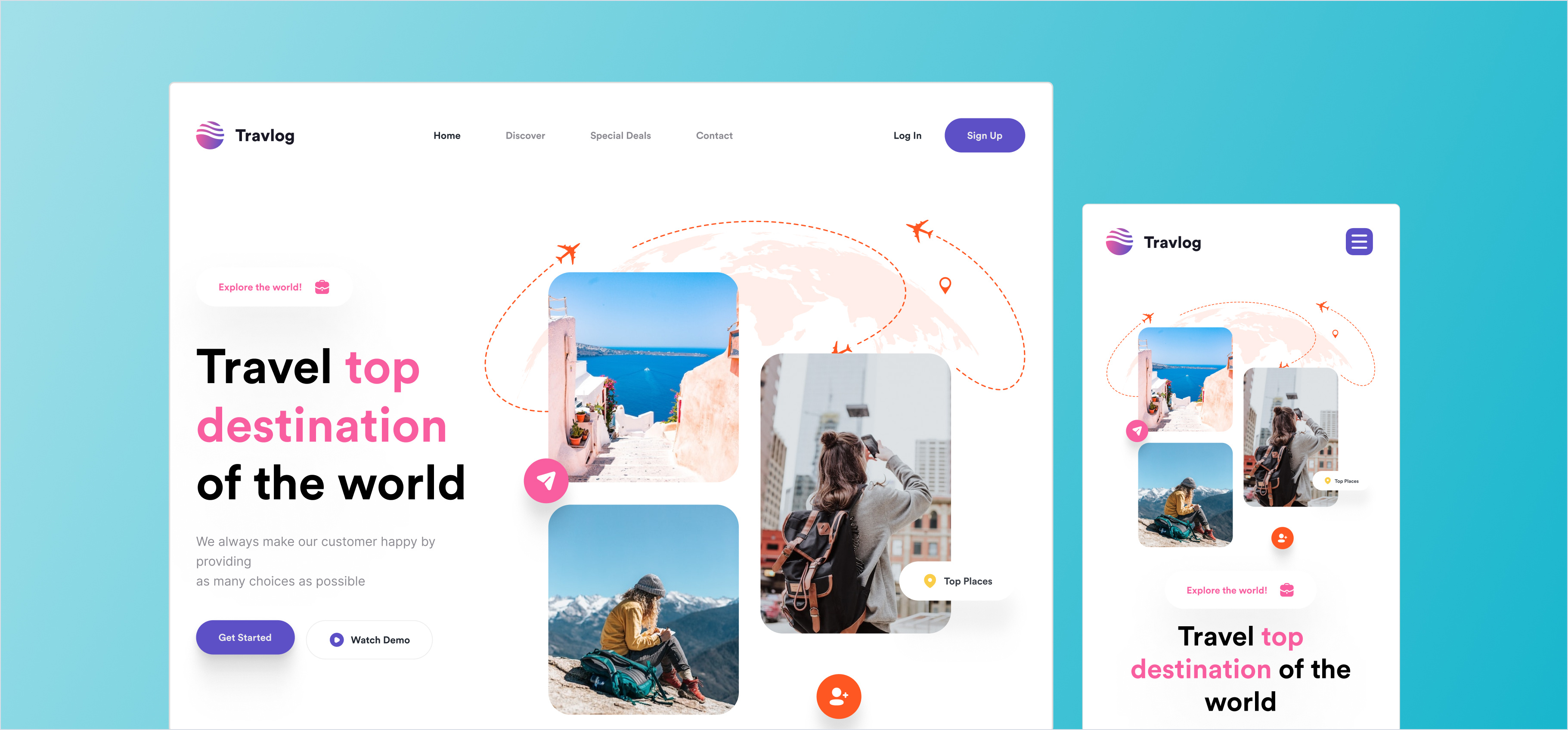
- Use Auto Layout: Set up flexible layouts that adapt to content changes and screen sizes.
- Provide Responsive Variants: Include designs for multiple breakpoints (e.g., mobile, tablet, desktop).
4. Inspect and Test with Developers
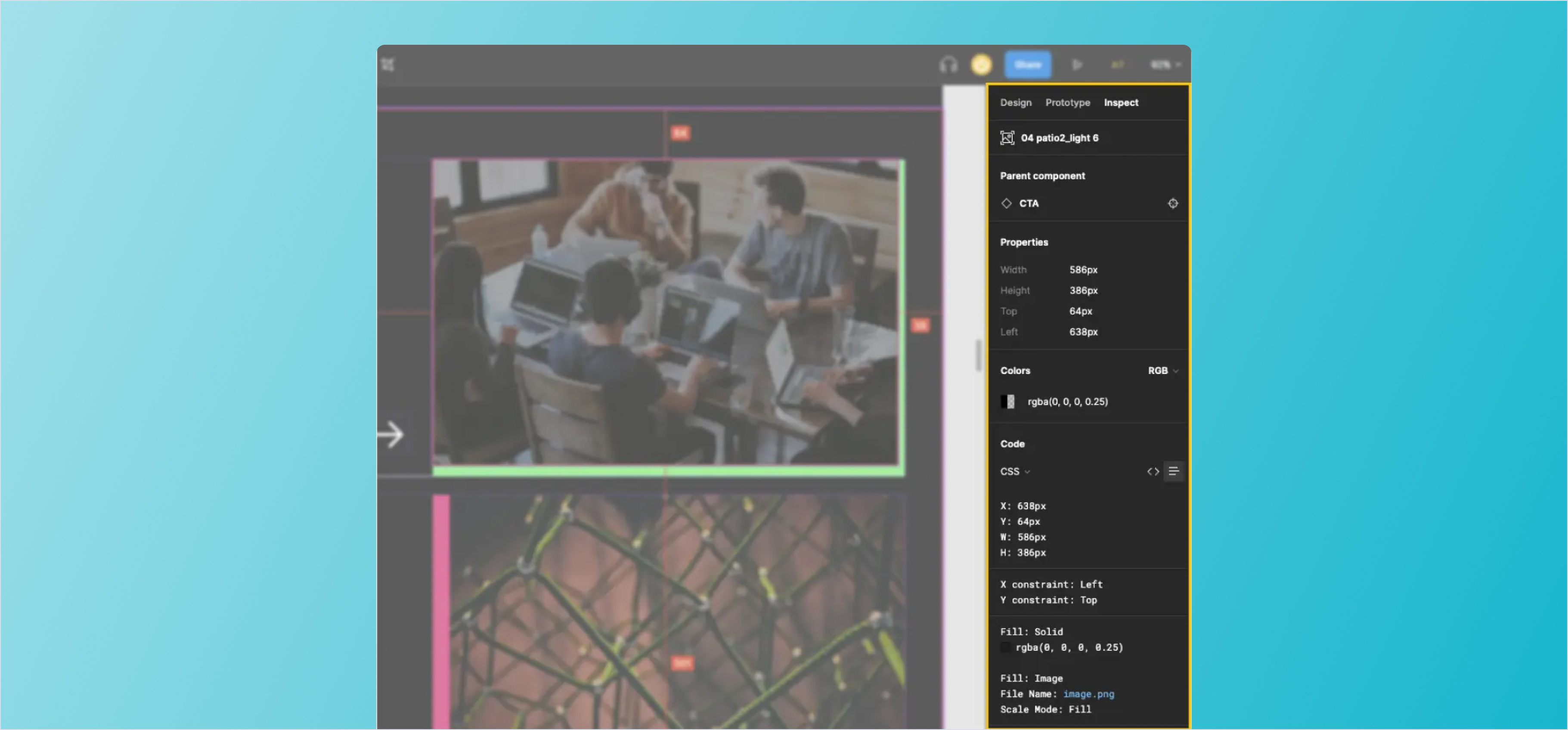
- Use the Inspect Tool: Ensure spacing, font sizes, and other properties are easily accessible via Figma's Inspect tab.
- Invite Developers Early: Share designs early and gather feedback to address concerns before finalizing the handoff.
5. Export Assets Correctly
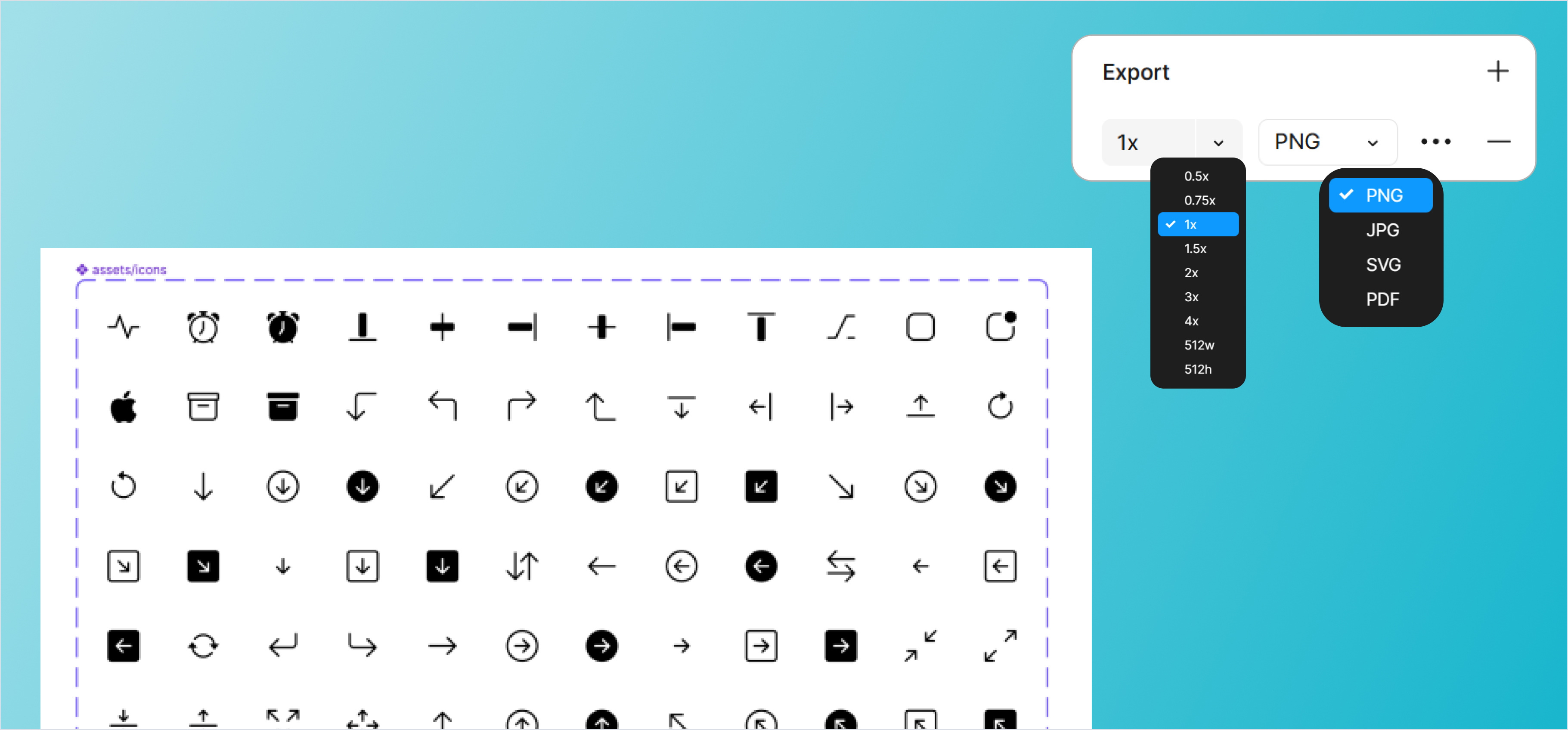
- Mark Exportable Elements: Flag icons, images, or other assets that developers will need.
- Choose Appropriate Formats: Use vector formats like SVG for icons and high-resolution PNGs or JPGs for images.
- Optimize Assets: Ensure assets are compressed for performance without losing quality.
6. Provide a Handoff File
- Create a Handoff Page: Dedicate a separate page in Figma for specifications, guidelines, and assets.
- Use Plugins: Leverage plugins like Zeplin or Avocode if your team uses them for detailed handoff.
Conclusion
Preparing your Figma designs for developer handoff ensures a smooth transition from design to development. By organizing layers, maintaining consistency, annotating your designs, and testing them with developers, you can save time, reduce confusion, and ensure the final product meets expectations. With Figma’s powerful tools and thoughtful preparation, you set your team up for successful collaboration and delivery.
Dynamic professional specializing in UI/UX marketing, with a keen eye for design and a passion for creating engaging user experiences. Brings a unique blend of creativity and strategic thinking to the table, ensuring that every project not only looks great but also delivers an exceptional user journey. Dedicated to driving brand success through innovative design solutions and user-centric marketing strategies.
Related Post
You may also be interested in
-

Figma Handoff & Exporting Assets: Clean Developer Deliverables
Developers need clean exports.

-
Designing for the Web: Best Practices in Figma: Basics of designing for the Web and best practices.
Designing for the web requires a balance between aesthetics and functionality. Using ...
-
Introduction to Auto Layout in Figma: Basics of auto layout and creating responsive designs.
Auto Layout in Figma is a powerful feature that allows you to create responsive and ...