Most companies invest in a CRM to improve visibility, streamline processes, and help sales teams close more deals.
But over time, many CRM systems become cluttered with duplicate records, outdated information, incomplete fields, and inconsistent data.
The result is that sales teams spend more time searching for information, reports become unreliable, and automation starts breaking down.
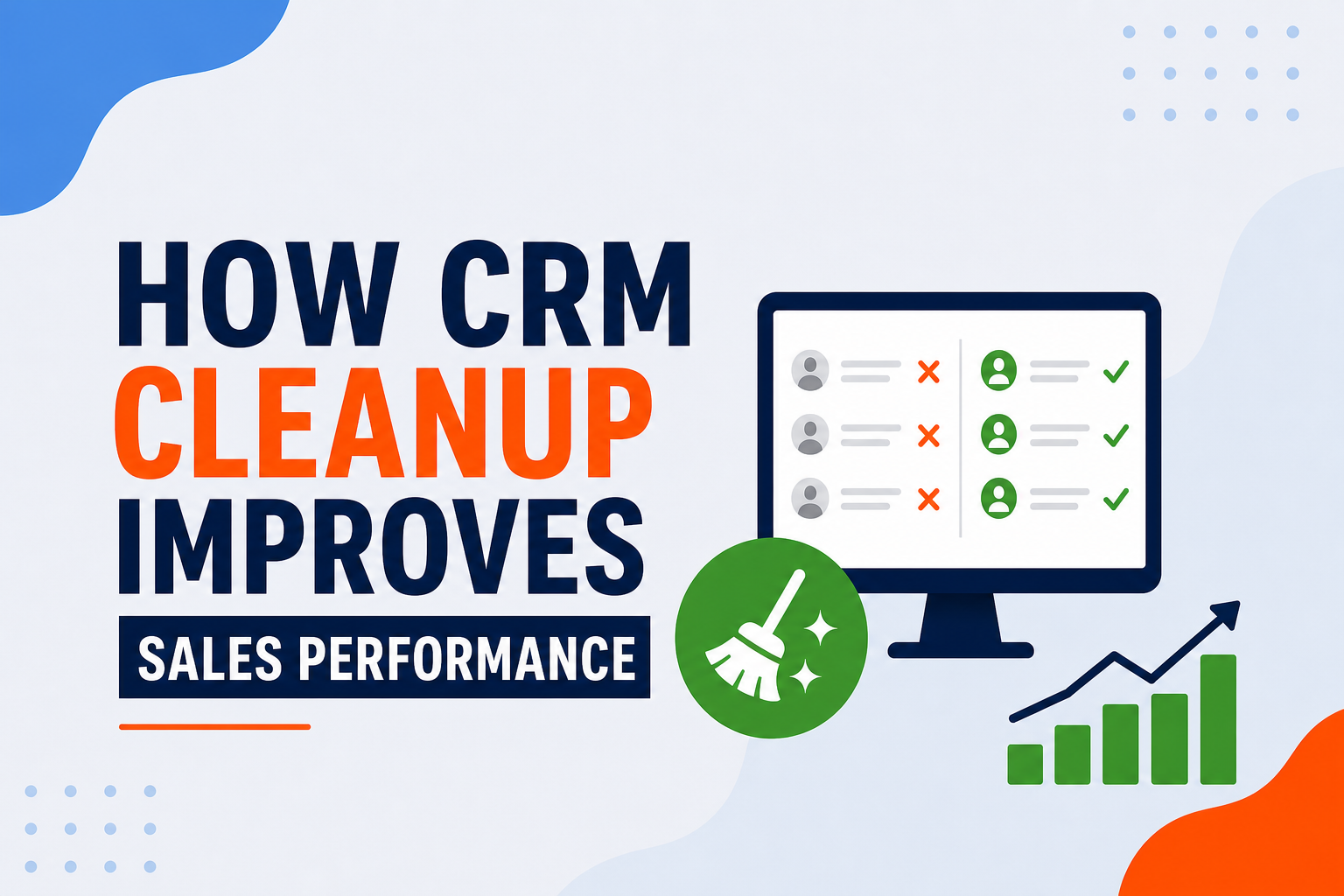
CRM cleanup is often viewed as an administrative task, but it can have a significant impact on sales performance.
What Is CRM Cleanup?
CRM cleanup is the process of reviewing, organising, and maintaining the quality of your CRM data.
This typically includes removing duplicate records, updating outdated contact and company information, filling in missing data, standardising property values, archiving inactive records and reviewing custom properties and data structure.
The goal is simple: ensure your CRM contains accurate and trustworthy information.
Why Dirty CRM Data Hurts Sales Performance
Many teams don't realise how much poor data quality affects their daily operations.
Some common issues include:
-
Sales reps miss follow-ups because contact information is incomplete or duplicated.
-
Managers struggle to trust pipeline, forecasting, and conversion reports.
-
High-intent leads get overlooked while sales teams spend time on unqualified prospects.
-
Workflows, lead routing, and automation fail because critical data is missing or inconsistent.
- Marketing and sales teams work with different versions of the same data.
- Duplicate records create confusion about who owns the relationship.
- Teams spend more time cleaning data than selling.
- Reps stop trusting the CRM and go back to spreadsheets and personal tracking systems.
How CRM Cleanup Improves Sales Performance
CRM cleanup can improve sales performance by:
Signs Your CRM Needs Cleanup
You may need a CRM cleanup if:
- Multiple records exist for the same contact or company.
- Reports show inconsistent numbers
- Sales teams maintain separate spreadsheets
- Properties contain inconsistent values
- Automation is not working as expected
- Team members don't trust the CRM
If any of these issues sound familiar, it's likely time to review your CRM data.
A Simple CRM Cleanup Checklist
Start with these steps:
-
Identify and merge duplicate records.
-
Remove outdated or inactive records.
-
Standardise property values.
-
Review required fields.
-
Audit custom properties.
-
Review lifecycle stages.
-
Validate automation dependencies.
-
Create data ownership guidelines
-
Schedule regular CRM maintenance.
Small improvements made consistently can have a significant impact over time.
Final Thoughts
A CRM is only as valuable as the data it contains.
Clean data improves reporting, automation, forecasting, and sales productivity.
More importantly, it helps teams trust the system and use it consistently.
If your CRM has become difficult to manage, a cleanup project may be one of the fastest ways to improve sales performance without changing your processes or technology.