
Learn How to Add Semantic HTML Elements for Better Structure

image of blog Mukesh Saini

HubSpot CMS Developer

1 Minutes Read

Listen to the Blog

Learn How to Add Semantic HTML Elements for Better Structure
1:17

Improve accessibility, SEO, and readability using semantic HTML tags.

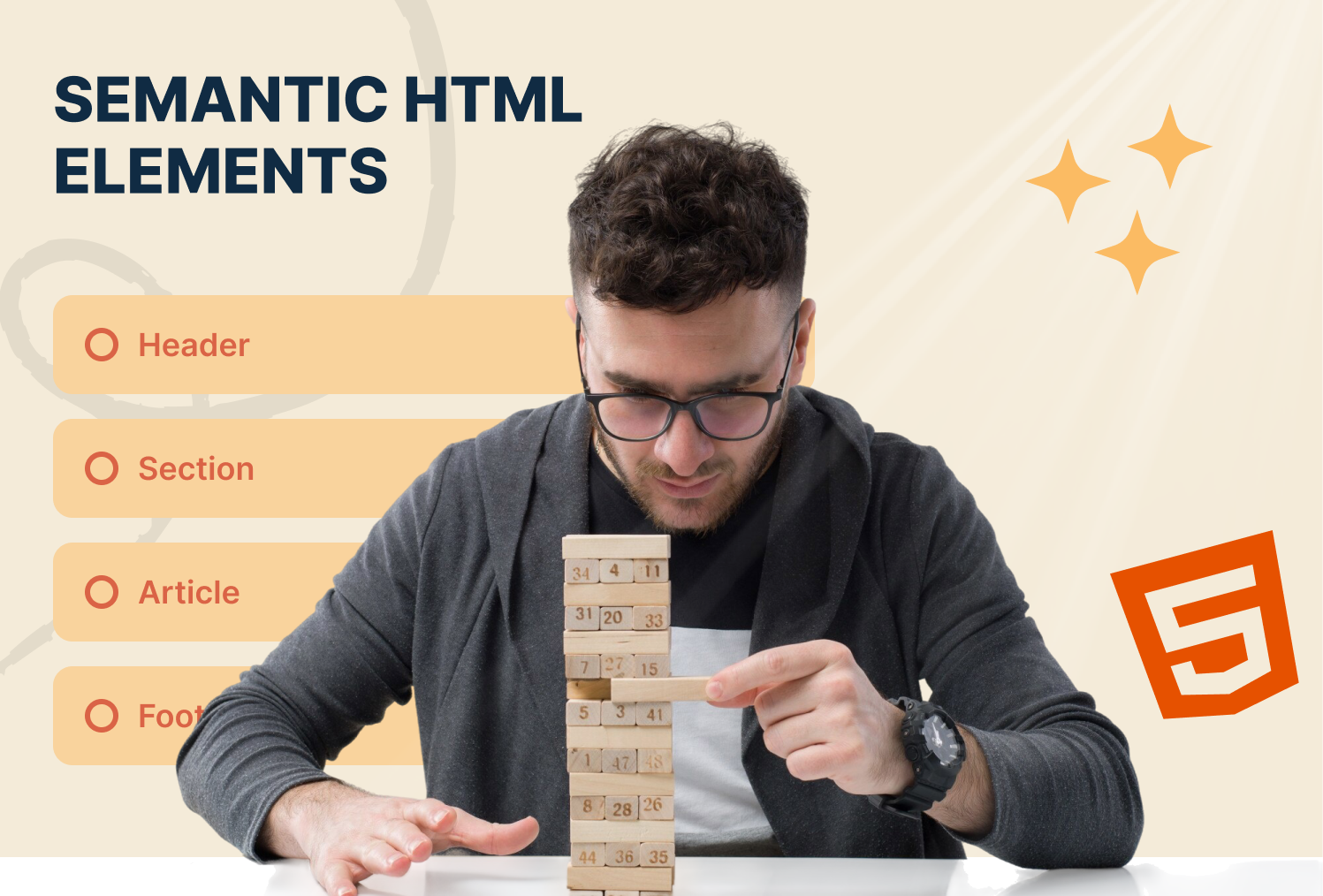
What is Semantic HTML?

Semantic HTML uses tags that describe the meaning of content, making it clear for browsers, search engines, and assistive technologies.

  • Examples: <header>, <footer>, <article>, <section>
  • Helps improve SEO and accessibility

Common Semantic Tags

Header

My Website

Contains page titles, logos, and navigation

Footer

© 2025 My Website. All rights reserved.

Contains copyright, contact info, and links

Section

About Me

This section introduces my background and skills.

Groups related content on a page

Article

Blog Post Title

Content of the blog post goes here.

Represents self-contained content like blog posts or news articles

Aside

Represents side content, like ads, links, or references

Why Use Semantic HTML?

  • Improves SEO by signaling content meaning to search engines
  • Enhances accessibility for screen readers
  • Provides clear structure for developers and designers

Combining Semantic Elements

Example of a complete page structure:

My Website

About Me

Introduction and background information.

Latest Blog Post

Blog content goes here.

© 2025 My Website

I'm Mukesh Saini, a seasoned HubSpot CMS Developer specializing in custom templates, seamless integrations, and high-performing digital experiences. Having honed his skills over several years in the industry, i possess a deep understanding of HubSpot's capabilities.

HubSpot CMS Developer

Frequently Asked Questions

Can I use <div> instead of semantic tags? +
Yes, but semantic tags improve SEO, accessibility, and code clarity.
Are semantic elements supported in all modern browsers? +
Yes! all modern browsers fully support semantic HTML.
Can <section> contain <article>? +
Yes! sections can group articles and other content for structure.
Does semantic HTML help with accessibility? +
Absolutely! screen readers and assistive technologies rely on semantic tags for navigation.
cm-vector

Have a specific need or challenge in mind? Let’s discuss how we can support your goals.

Get Started Today

Ready to streamline your Hubspot CRM, website, or RevOps !