
Advanced Forms – Checkboxes, Radio Buttons & Dropdowns

image of blog Mukesh Saini

HubSpot CMS Developer

1 Minutes Read

Listen to the Blog

Advanced Forms – Checkboxes, Radio Buttons & Dropdowns
0:49

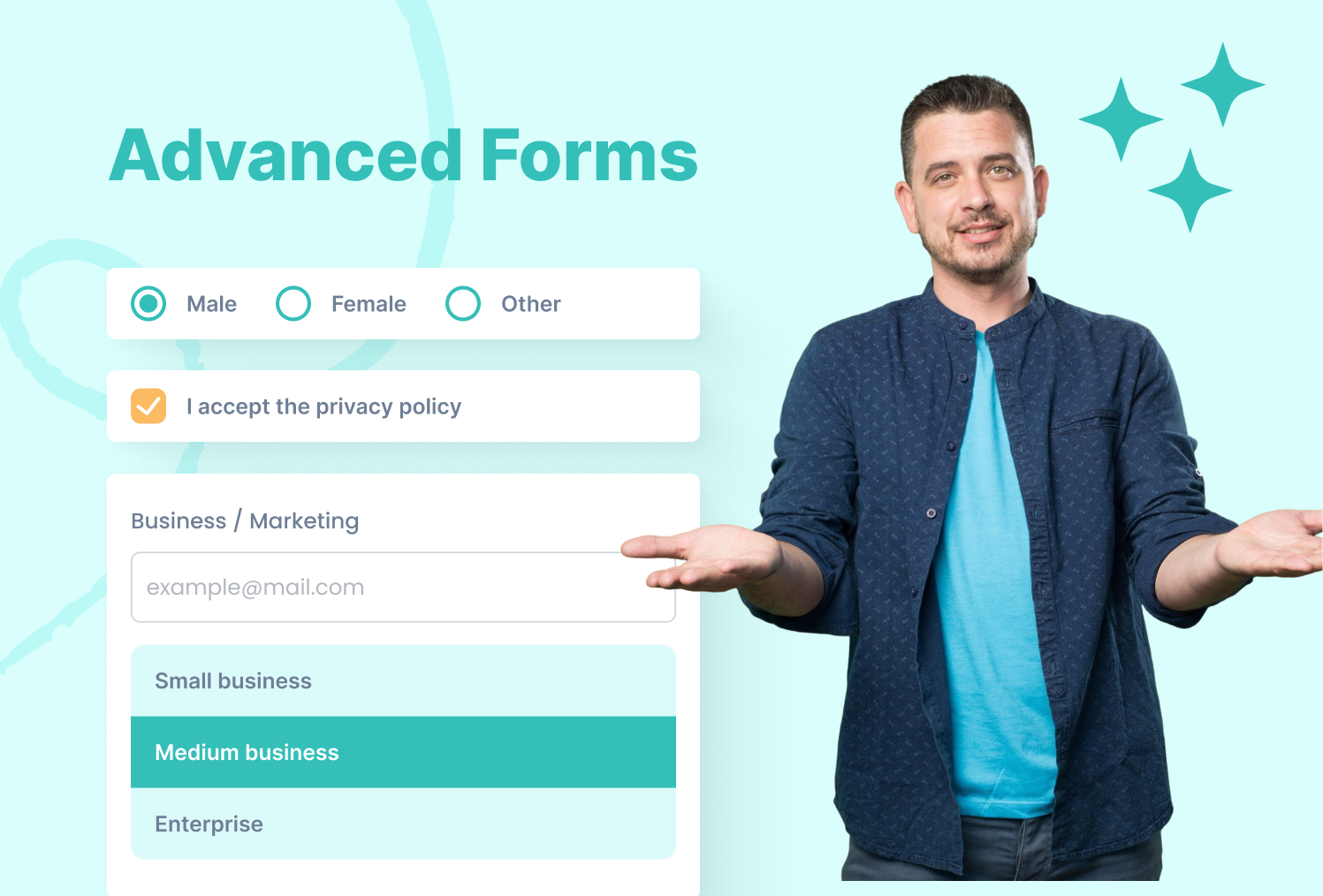
Enhance your forms with multiple-choice inputs and interactive dropdowns for better user experience.

Checkboxes

Allow users to select multiple options

  • Multiple selections possible
  • Each checkbox should have a unique value

Radio Buttons

Allow users to select only one option per group

Choose your experience level:

  • Use the same name for all options in a group
  • Only one selection is allowed per name

Dropdown Menus

Present multiple options in a compact format

  • Use <option> for each choice
  • value is sent to the server when the form is submitted

Combining Inputs in a Single Form

Choose your favorite topics:

Experience Level:

Select your country:

I'm Mukesh Saini, a seasoned HubSpot CMS Developer specializing in custom templates, seamless integrations, and high-performing digital experiences. Having honed his skills over several years in the industry, i possess a deep understanding of HubSpot's capabilities.

HubSpot CMS Developer

Frequently Asked Questions

Can I use checkboxes and radio buttons in the same form? +
Yes! just ensure radio buttons with the same name are grouped correctly.
Can I pre-select an option? +
Yes! add the checked attribute for checkboxes/radio buttons or selected for dropdowns.
Can a user select multiple options in a dropdown? +
Yes — use <select multiple> for multi-select dropdowns.
Are these inputs accessible? +
Always pair inputs with <label> for screen readers and accessibility.
cm-vector

Have a specific need or challenge in mind? Let’s discuss how we can support your goals.

Get Started Today

Ready to streamline your Hubspot CRM, website, or RevOps !